0:00
Uh hello guys, welcome to this video. So
0:02
in this video, I'll show you how to
0:03
check all your PC laptop hardware
0:06
information such as CPU temperature,
0:08
AIO, pump status in Windows 11. There is
0:11
one third party software that you can
0:13
install which is Libé hardware
0:16
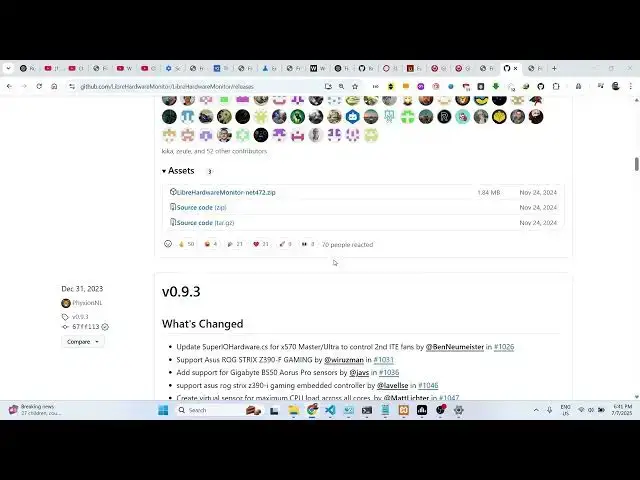
monitor. Simply type this and they have
0:19
their own GitHub page and from this you
0:22
can actually download
0:25
their software. So go to the releases
0:34
inside the assets this is a simple zip
0:36
file. Simply click on that and simply
0:38
download the zip file. I have already
0:41
downloaded this. So you just need to
0:43
extract the content. So this will have
0:46
this exe file. So once just grant the
0:50
permission. So once you launch launch
0:51
this it will show all the hardware
0:53
related information such as the CPU
0:55
temperature the voltage level the CPU
0:58
power the clock speed bus speed the
1:03
of your laptop and PC. So it's very
1:05
useful information. So if you still have
1:08
any issues you can toggle this tool and
1:11
it will show you all the temperature all
1:13
the values. It also shows you the
1:17
minimum value and the maximum value that
1:20
it supports and whatever whatever is
1:22
your current value. So it actually acts
1:25
like as a troubleshooting tool that you
1:28
can actually install on your system at
1:30
any time. You can launch this and it
1:32
will show you the voltage level and all
1:35
the hardware related information can
1:39
directly using this tool.
1:42
And thank you very much for watching