Up next in 10


Get the full source code of application here:
Show More Show Less View Video Transcript
0:00
Uh hello guys, welcome to this video. So
0:02
in this video, I'll show you a VS code
0:04
theme uh which basically integrates the
0:06
Google Collab
0:09
uh theme feature for VS Code. So Google
0:12
Collab is a great tool for development
0:15
purpose. But they offer a simple theme
0:18
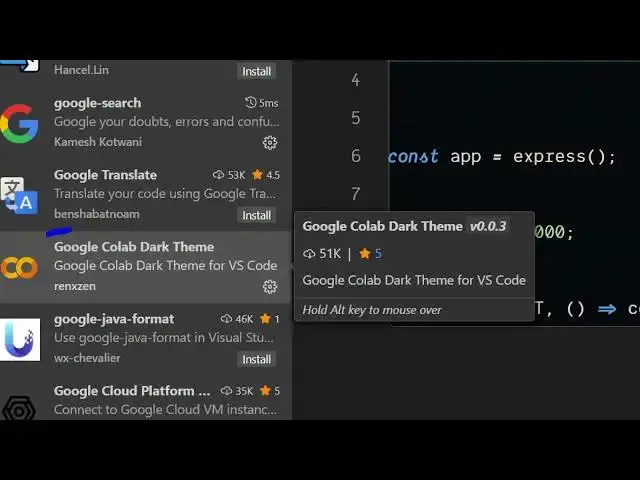
here. This is the extension name here,
0:20
Google Collab Dark theme. So just go to
0:23
the extension tab. Simply search for
0:25
this extension. It's got almost 52,000
0:27
installs. Simply click the install
0:29
button uh to install this extension. So
0:32
once you activate this extension, you
0:34
will be able to switch your the theme
0:36
here. Uh this is the theme that they
0:38
offer. Simply enter it to activate the
0:41
theme. So now the theme looks something
0:43
like this. Similar to Google Collab.
0:48
So in this easy way, this is the syntax
0:51
highlighting of each and every language
0:52
that it supports right here. So if you
0:55
like this theme, you can simply activate
0:57
this. Simply type Google collab dab
1:00
theme and this extension will come right
1:02
here. And it supports all the languages
1:04
right here. If you see Python,
1:07
JavaScript, Java. So,
1:13
so it has a gray background which Google
1:16
Collab has. So definitely install if you
1:20
like this theme.
1:24
And also check out my website
1:26
freemediattools.com
1:27
uh which contains thousands of tools.
#Development Tools