0:00
Uh hello guys, welcome to this video. So
0:02
in this video, I'll show you yet another
0:03
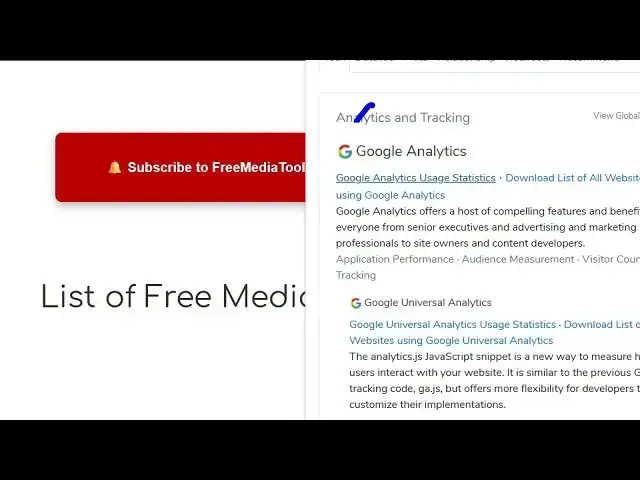
Chrome extension which clearly shows uh
0:07
which frameworks or libraries each
0:09
website is using. Uh so it's a very
0:12
useful extension. Just click on add to
0:14
Chrome. This is their official website
0:19
So find out what websites are built
0:22
with. So if you just activate this and
0:27
now if you visit any website you simply
0:29
click on this extension and this will
0:34
show you all the things that the us uh
0:37
the website is using. So all the
0:40
libraries if you see it will extract. So
0:49
and uh simply you can do this with any
0:56
So again you will see
1:00
it will list out all the libraries that
1:03
it is using the programming languages
1:06
all the technologies. You simply click
1:08
on this panel and then automatically
1:14
and you can basically upgrade to their
1:17
advanced plan as well to actually do
1:20
this unlimited number of time and sign
1:23
up for a new account. But it's a very
1:25
useful extension to check out websites,
1:28
frameworks and libraries.
1:39
And uh you can do this like this.