Up next in 10


Get the full source code of application here:
Show More Show Less View Video Transcript
0:00
Uh hello guys, welcome to this video. So
0:02
in this video, I'll show you a VS code
0:05
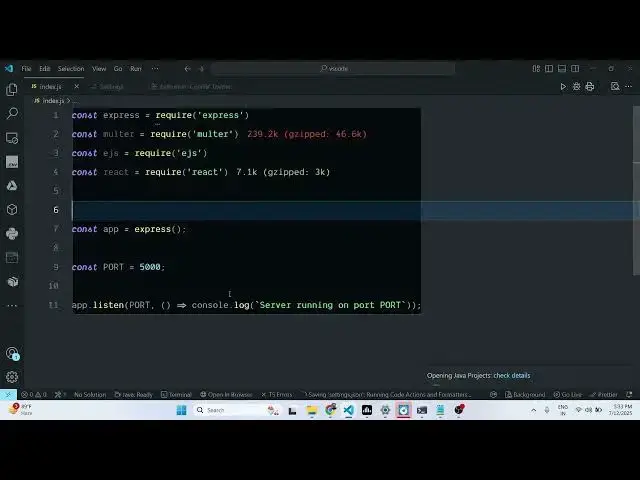
GitHub copilot theme. So this is the
0:09
third party extension for VS code.
0:12
Simply search for this copilot theme and
0:14
simply install this. Simply go to
0:16
extensions and if you just type GitHub
0:19
copilot in the search bar, this
0:21
extension will come. So this is the same
0:23
theme which is used on the GitHub
0:25
copilot website. So if you want to use
0:28
this theme, simply click the install
0:30
button and then basically it offers two
0:33
themes. This is the main co-pilot theme,
0:36
GitHub copilot theme. So the same syntax
0:40
highlighting and same color combination
0:42
is used here. So if you just want to use
0:43
this, you can activate this theme.
0:46
Simply click the set color theme option.
0:49
And it also has the second version as
0:51
well which has a little bit higher
0:53
contrast level.
0:55
You can just see the syntax highlighting
0:58
for various programming languages. So if
1:00
you just want to have this theme
1:03
activated, simply install this theme
1:08
by activating this extension
1:11
copilot theme.
1:14
So
1:16
also check out my website free
1:18
mediatools.com
1:20
which contains thousands of
#Development Tools