0:00
uh hello guys welcome to this video so
0:02
in this video I will show you a vs code
0:04
extension which allows you to convert
0:06
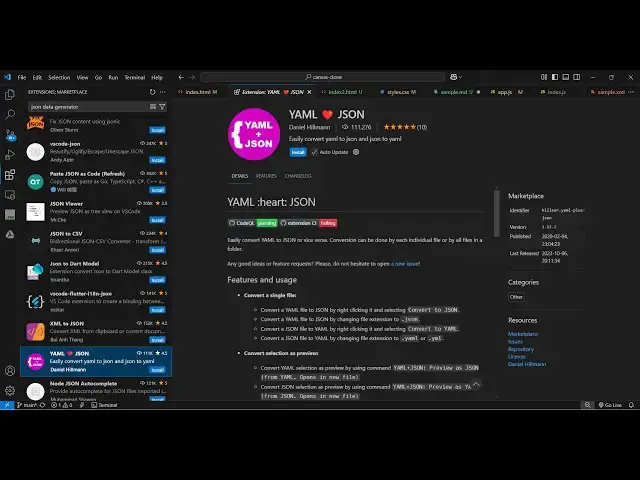
your yml files to Json so if you go to
0:10
extensions and just type this yml to
0:13
Json and the very first extension which
0:16
comes right here it's got almost
0:21
installs or you can even use this second
0:24
one which does both the things it
0:27
converts yml to Json or Json to yml
0:30
so simply install this activate this and
0:42
here so we have some sample data this is
0:45
a yml file so if you want to convert
0:48
this into Json simply select CR a and
0:51
then open the command pet control shift
0:54
p and then just type here yml
1:00
so so if you select the first option it
1:04
will basically convert this yml to Json
1:09
and it will create a new file so you
1:11
will see a new file is created and all
1:13
the yml content is successfully
1:19
uh now if you want to do the reverse
1:24
process so this is basically
1:37
so if you have a set of Json that you
1:40
want to convert to yml so simply you
1:51
2 so this is a really nice extension
1:53
which converts your yml to Json so you
1:56
define the file and simply select this
1:58
from control shift p and just typing
2:05
here so here you define this file right
2:08
here so control shift p
2:15
yml so this was the extension guys you
2:18
can directly use and start using it
2:24
code so thank you very much for watching
2:27
this video and also check out my website
2:30
free mediat tools.com which contains
2:32
thousands of tools regarding audio video
2:34
and image and I will be seeing you in