0:00
to show you. I built out a GitHub and VS
0:02
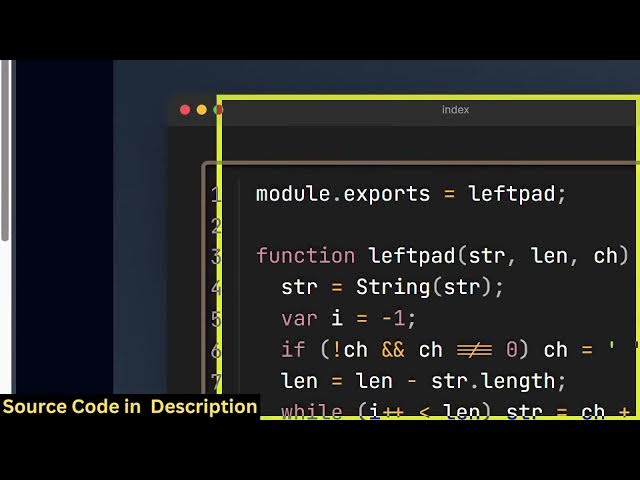
code snippet to image kind of an editor
0:05
where you can actually share your source
0:08
code and export this to a image file. So
0:12
various themes are also supported and
0:14
you'll see this application runs
0:15
entirely in the browser. So if you need
0:18
the source code the link is given you
0:20
can directly purchase it. So it's
0:22
basically useful for basically sharing
0:25
your code snippets inside a blog post.
0:28
So here you will paste the source code
0:30
whatever source code that you are
0:34
automatically the it will show it in the
0:39
So here you can manipulate the file
0:41
name. You can also change the theme of
0:44
the window as well. Various themes are
0:46
supported as you can see with a single
0:48
click you can activate any of the
0:50
themes. In the advanced option you can
0:53
even change the language here or
0:54
whatever source code you are
0:56
highlighting. So with a single click.
1:01
So here you can change the background
1:03
color. You can even change the font as
1:08
The font size is can also change.
1:13
And then you can even change the
1:15
padding. You can toggle the line numbers
1:18
if you don't need this.
1:21
Then we have the download image button.
1:23
So once you click the button
1:24
automatically the source code will be
1:29
So you can directly purchase it and add
1:31
additional features as well on top of
1:33
this application. So it's very useful
1:35
for VS code and GitHub for sharing code