0:00
Uh hello guys, in this video I'll show
0:02
you I built out a Canva clone image kind
0:05
of an editor which allows you to blur
0:07
and pixelate images directly in the
0:09
browser. It's a single page static
0:10
application directly runs in the browser
0:12
without any back end. So we are running
0:15
this application locally. So this is
0:17
actually the full directory structure of
0:19
the application. So you'll just see it's
0:21
using CSS JavaScript. Uh this is your
0:24
single index html file. So once you run
0:27
this uh you basically select your image
0:31
that needs to be blurred out.
0:35
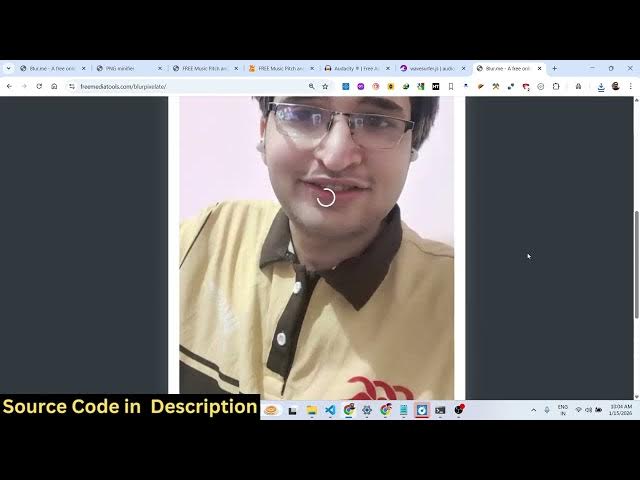
So simply select the image and after
0:37
that it will detect the face of the
0:42
and it will face detection will be done
0:44
automatically directly in the browser
0:46
and using these sliders you can adjust
0:51
So after you blur out the video, blur
0:53
out the image, you click the save button
0:55
to actually save the output image. So we
0:59
have already deployed this application
1:01
as well. So if you want to basically try
1:03
out the application before purchasing
1:07
uh you can try out on free media
1:10
tools.com. I have given the link.
1:17
So I have given the link in the
1:19
description. So definitely try this.
1:26
I think the URL is this.
1:31
at this URL, we have deployed this
1:34
application. So you basically select
1:43
You can also pixelate the image as well.
1:45
So automatically it will detect the
1:52
You can change the size as well, how
1:54
much pixel itate you want to do and then
1:58
So your image will be downloaded. So if
2:02
you're interested in this before
2:03
purchasing it, you can try out this
2:05
tool. So if you're interested, the link
2:07
is given in the description. You can
2:09
blur out pixelate your images directly
2:12
with a matter of a single click. So here
2:16
you can adjust the size here, the
2:19
strength of the blur, pixelation.
2:30
So it's very simple. So if you're
2:34
interested in this, you can directly
2:36
purchase the source code. The link is
2:38
given in the description.