0:01
Uh hello guys in this video I will show
0:03
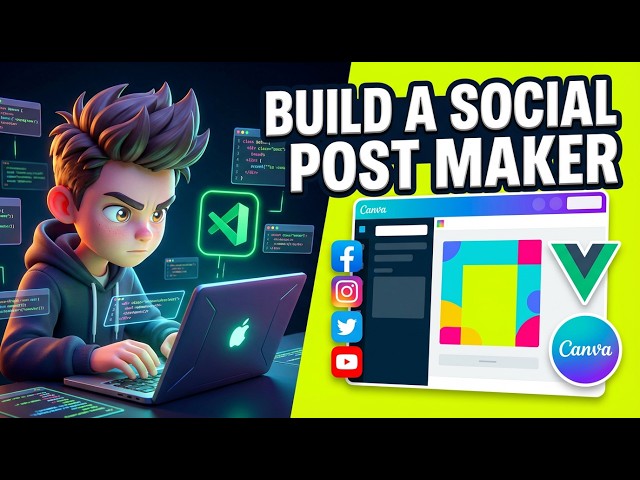
you I built out a view three Canva glow
0:09
for creating post related to Instagram,
0:12
Facebook, Twitter and YouTube. So this
0:15
you can access it. I've given the link
0:17
in the description of the video. This is
0:19
actually the live demo. So before you
0:21
purchase the source code, after you
0:24
purchase the source code, you will get
0:25
the source code from Google Drive. So
0:27
this is actually I coded each file from
0:30
scratch. All the files are coded
0:32
directly inside Typescript and V. I'll
0:35
show you the package.json file. We are
0:37
using the latest version of V JSPDF HTML
0:40
to canvas and fabric JS we are also
0:42
using. So we are actually running this
0:46
project locally as well. So it's
0:47
actually running it on local host 5173
0:55
interface is quite similar to Canva. So
0:57
you also have support for exporting
0:59
these image or PDF. So from here you
1:03
select inside the menu. So it will
1:06
actually export everything. You can
1:09
create multiple pages as well. So by
1:12
clicking the new button. So from here
1:14
you can change the background
1:16
everything. You also have support for
1:18
adding your stock images from Unsplash.
1:21
So in a single click you can add stock
1:24
images. From here you can resize it to
1:26
any social media network, Facebook,
1:29
Twitter, Instagram. So it can be used to
1:33
create thumbnails, social media post as
1:35
well. So from here you have all the text
1:38
fancy text that you see inside Canva.
1:42
So from a matter of time you just click
1:46
and add the text and from here you can
1:49
control all the properties such as the
1:51
phone size different phones they have
1:56
So you can adjust color size everything
2:03
So then we also have support for adding
2:05
your own images as well. So from here
2:07
you select your own images. So once you
2:10
select this you can add this to the
2:17
So text you also have support for adding
2:20
your own shapes. So then we have
2:24
these templates. So once you purchase
2:26
the source code you can add more
2:28
features on top of this application.
2:31
So this is full stack view camera. It
2:35
supports various social media networks.
2:37
So this will be easy for you. to easily
2:41
run this and deploy this as well. So
2:44
I've given the demo link in the
2:46
description of the video. So before you
2:48
purchase it, you can try out the live
2:52
It supports all the major social media
2:54
networks, Facebook, Twitter, Instagram
2:59
So from here you can adjust the
3:01
positioning, aligning it, rotating it,
3:05
everything you can do.
3:08
And from here you can export this or
3:11
create a new template. So this will save
3:14
you a lot of time cuz uh [snorts]
3:18
it's very simple to do all the features
3:28
So this is redo undo options are also
3:42
It's completely responsive application
3:46
definitely purchase it. It's coded