0:00
Uh hello guys, in this video I'll show
0:02
you I built out a markdown editor with
0:04
live preview to actually create and edit
0:06
markdown files directly in the browser.
0:09
So the link is given in the description.
0:11
You can directly purchase the source
0:12
code. So this is actually the full
0:14
directory structure of the project. It's
0:17
having this index html file right here.
0:20
And once you purchase it, you will
0:22
automatically be redirected to Google
0:24
Drive. And then you can run this
0:26
application in VS code open with live
0:28
server. So this is your application. So
0:30
right here you basically paste your
0:34
markdown and everything will be
0:35
exported. You will see that. So this is
0:38
on the right hand side you will see the
0:40
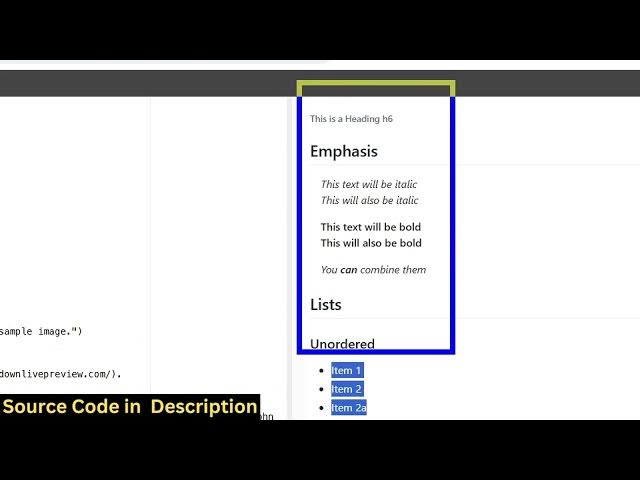
markdown being there. So it's a complete
0:42
markdown base editor with live preview.
0:46
So here you paste your markdown and the
0:48
right hand side or everything will be
0:51
shown with the live preview. You have
0:53
the copy to clipboard button as well.
0:56
Markdown with live preview. So if you're
0:58
interested in this guys, the link is
1:00
given in the description. You can
1:01
directly uh purchase the full source