0:00
Uh hello guys. In this video I'll show
0:02
you I built out a Canva clone selfie
0:05
camera app kind of a static application
0:08
in HTML, CSS and JavaScript. This is
0:10
actually the full demo of this
0:12
application. So this is a full directory
0:15
structure. It's using HTML, CSS and
0:18
JavaScript. You can directly purchase
0:19
it. Uh the link is given in the
0:21
description. So once you purchase it,
0:23
you will get the source code from Google
0:25
drive. And this is actually the
0:27
application here. You just need to allow
0:28
the camera access. So once you allow the
0:31
camera access uh it will actually load
0:34
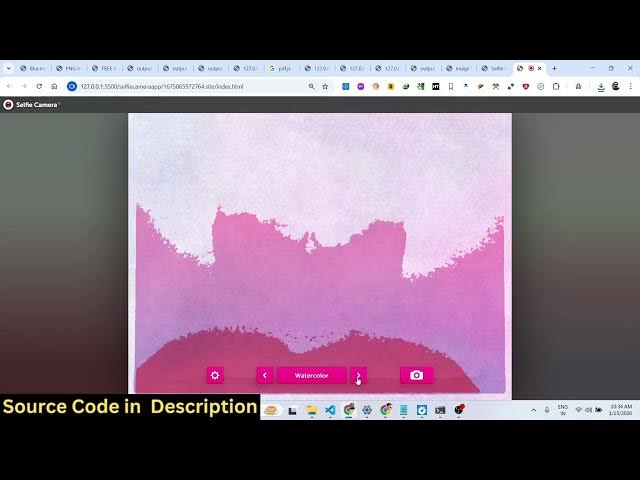
the application. It has various effects.
0:36
You can click it take a photo and the
0:39
countdown will begin. It will take the
0:41
photograph and then you can save this
0:45
directly in the browser. So we are
0:47
running this application locally. It's
0:49
also very easy for you to deploy this
0:51
application as well. It also have
0:55
You will see you can take any effect for
1:02
So you can just see here it's a Canva
1:05
clone camera selfie kind of an
1:07
application. It has various effects of
1:12
Snapchat everything. You will see that
1:14
you can apply with a single click.
1:19
So my camera quality is not good. So
1:21
that's why you can't see clearly my
1:23
face. But you have all these effects
1:25
available with a matter of uh a single
1:28
click. You can add all these effects. So
1:31
we have built entire in HTML, CSS and
1:33
JavaScript. You can directly purchase it
1:48
and just you click. You can see that
1:52
now you can save this very easily and
1:54
post it to any social media template. So
1:57
the link is given guys if you're
1:59
interested in purchasing it. The link is
2:02
given in the description.
2:05
It's a Canva clone camera selfie app.