0:00
stream so in this live stream I will
0:01
show you a Canva clone PDF invoice
0:04
ultimate editor that I developed inside
0:08
so it actually it's this is actually the
0:12
interface of the application you can
0:14
easily generate invoice PDF documents
0:16
directly in the browser itself so no
0:18
serverside code is involved it's
0:20
entirely coded inside HTML CSS and
0:22
JavaScript so I have you can check out
0:25
the demo i have given the link in the
0:27
description of the video so we also have
0:29
different color schemes from this you
0:31
can select any color of your invoice and
0:34
then here you can replace all this you
0:36
can edit all this information such as
0:38
your company name this is your email
0:40
address phone number this is your
0:42
address this is your invoice number the
0:48
what is the client details the name of
0:50
the person all these details are
0:52
editable on the left hand side you will
0:55
see all these fields here so you can
0:57
change the company name so let's suppose
0:58
I change my company name to like this so
1:02
as you can see as I'm making the changes
1:05
directly on the right hand side the
1:07
changes are reflected back
1:13
you can add the products in the invoice
1:15
here you can even add the number and if
1:18
you see you can add multiple products
1:22
here which you are selling you can give
1:24
the quantity the rate automatically the
1:28
price will be calculated and you can add
1:31
multiple items by clicking the add item
1:33
button so then we can say
1:37
it's a very simple tool similar to Canva
1:40
where they allow you to add invoice then
1:42
you can even put your tax rate discount
1:45
percent as well and then we have two
1:48
buttons either we can print the PDF if
1:51
you click the print button automatically
1:53
the print window will open and you will
1:55
be able to print your invoice then we
1:58
also have the button to generate the PDF
2:00
as well if you click the generate PDF
2:02
button automatically your invoice PDF
2:05
document will be downloaded with the
2:07
changes that you have done so we have
2:09
added three products here you will see
2:10
that the subtotal the text is also
2:13
applied and then it is your total amount
2:16
then this is your client information
2:20
so before purchasing it guys you can try
2:22
this tool i have given the demo link
2:25
after purchasing it you will get this
2:26
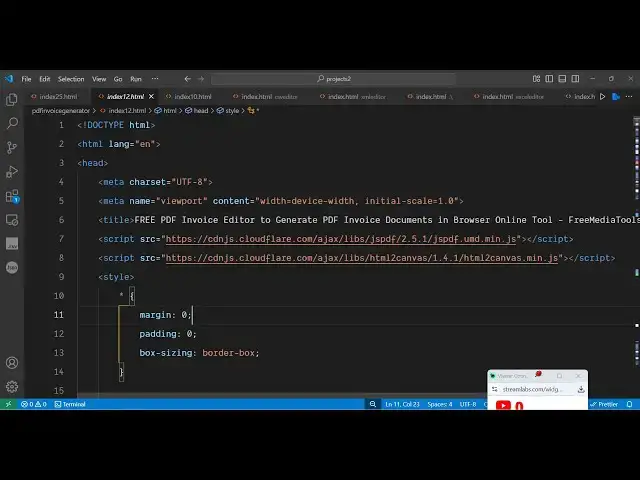
zip this zipped file which will contain
2:29
only the single HTML file
2:33
so this is the overall code here it's a
2:36
single page application and as you can
2:38
see it's round about 1200 lines of code
2:41
here so once you get the source code
2:43
it's very easy for you to modify it or
2:45
add additional capabilities as well so
2:47
we are using you will see the JSPDF
2:50
library and HTML to canvas library as
2:52
well so JSPDF is actually a PDF
2:57
generation library for JavaScript
3:02
and HTML to canvas is also a screenshot
3:06
library with the help of this library
3:08
you can easily take screenshots of the
3:11
HTML DOM directly so this is the invoice
3:15
editor similar to Canva you can fill out
3:18
the details on the left hand side and
3:19
then on the right hand side you will see
3:22
the changes will be reflected back
3:27
so if you land on this the dummy data
3:29
will be filled here you just need to
3:32
replace the client information all this
3:35
your email address you can change all
3:37
this information on the right hand side
3:39
it will be reflected back so this is the
3:42
actual invoice editor guys you can also
3:45
had you can see the items right here
3:54
it's a static application directly built
3:56
inside the browser so you will get this
4:00
so definitely try this if you are
4:04
interested you can directly purchase it
4:06
and thank you very much for watching