0:01
Uh hello guys, in this uh live stream I
0:03
will actually show you a new tool for
0:06
API testing. Uh if you're using Postman,
0:09
Postman is really powerful API testing
0:12
tool. It's also have a desktop IDE as
0:15
well. For some reason Postman is not
0:17
available. There is an free alternative
0:19
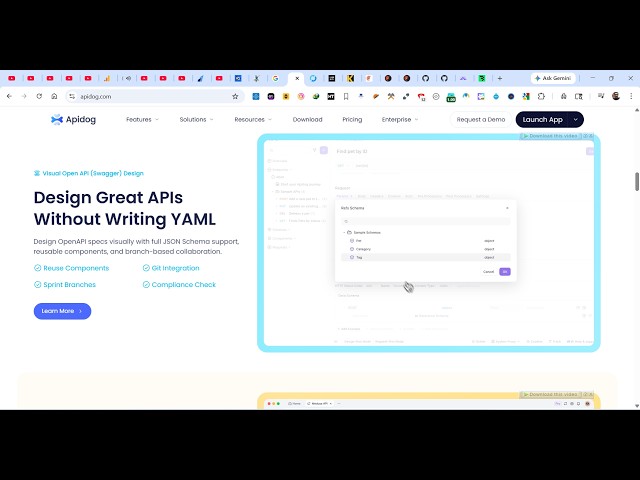
available which is called as API doc.
0:24
This is similar to Postman as well. It's
0:26
again a simple testing tool for
0:28
programming or coding. If you want to
0:34
simply type this on Google API doc the
0:37
very first result which comes this is
0:39
similar to Postman. It's also available
0:42
as a desktop software as well. You can
0:44
download this. It is also available as a
0:47
web application as well. For some for
0:51
some reason Postman is not usable. You
0:53
can continue with API do for the past
0:56
two months I'm using this. It's really
0:59
popular as compared to Postman and it
1:02
can be used to create APIs, testing
1:05
everything you can do. So after creating
1:12
you will be redirected to the web
1:14
interface. So from here either you can
1:16
use their web application directly at
1:26
click on create and just create your
1:29
project and once it is connected you
1:32
will be redirected to the API dashboard.
1:34
So from here you can actually test out
1:36
different APIs. You can test out a HTTP
1:40
endpoint schema markdown everything.
1:44
So right here the interface looks
1:47
similar to Postman. So right here you
1:49
specify whatever URL you want to test
1:52
out. So let's suppose I give
1:56
any API here. Let's suppose JSON
1:58
placeholder API. So now if I want to
2:04
this endpoint, I simply copy this link
2:10
and send out this request. And it will
2:12
also see the additional information
2:16
which is the actual JSON response which
2:19
is coming the header information
2:20
everything you will get. So this tool is
2:27
and uh if you don't want to use the API
2:31
version or the web version you can also
2:35
simply download this as a desktop
2:38
software as well. It's also available
2:40
for different operating system for
2:42
Windows, Mac, Linux. So it's a
2:45
cross-platform solution.
2:47
So simply it's just 187 MGB. Simply
2:52
install this the complete the setup and
2:55
install it as a desktop software.
2:58
So it also has a CLI version as well
3:00
where you can directly install it as a
3:02
CLI version. You can read the
3:05
documentation for that. So directly
3:08
install this as a CLI and test out your
3:11
APIs right here. So you can even install
3:16
it as CLI version as well. So it's a
3:19
very good application if you want if you
3:23
work with APIs a lot if you want to test
3:25
out APIs. So API doc definitely check
3:29
this out. You can either download the
3:31
app or check out the web version it use.