0:00
Uh hello guys, welcome to this video. So
0:02
in this video, I'll show you a Google
0:03
Chrome extension which allows you to
0:05
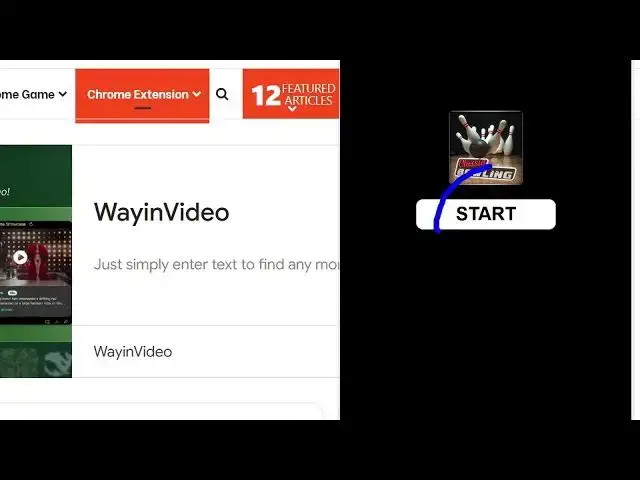
play this classic 3D bowling game inside
0:08
your Google Chrome browser. So this is
0:10
actually the extension. Simply go to the
0:11
extensions tab. Simply search for this
0:13
classic 3D bowling game right here.
0:16
Simply add to Chrome here. As soon as
0:19
you add this extension to the Chrome
0:21
right here, this will be added
0:25
and you just pin this. So you can
0:28
actually play this game if you click
0:36
I think. Yeah. So this is the game here
0:44
So you basically click this start button
0:56
So you control it basically using your
1:19
Here you set the power here using the
1:34
So using your mouse basically you set
1:52
So this is the extension that you can
1:54
install here. Classic 3D boarding game
1:56
right here. Google Chrome extension. So
1:59
simply add to Chrome and this will add