Up next in 10
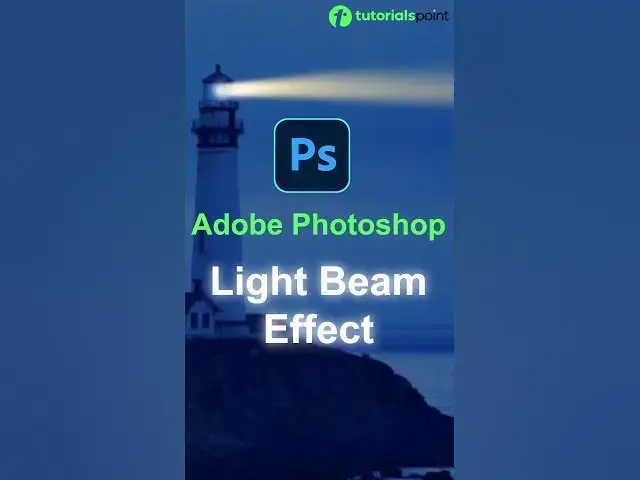
Create LIGHT BEAM Effect in Adobe Photoshop ( Learn in 30 Seconds ) #shorts #photoshop
Oct 1, 2024
How to Create LIGHT BEAM Effect in Adobe Photoshop
#shorts #photoshoptricks #lightbeam #youtubeshorts #photoshopediting #photoshop #photoshoptutorial
Show More Show Less
View Video Transcript0:00
If you want to create a realistic light beam like this in Adobe Photoshop, then follow this simple step
0:06
First, create a new layer. Next, use Rectangular Marquee Tool to select a beam area
0:11
Next, use a Gradient Tool and drag on this area. Now, use a Transform and adjust it
0:17
Now, go to Filter and use a Gaussian Blur. Next, duplicate this layer to make a light beam more attractive
0:24
And here we done. Subscribe for more such content. Thank you