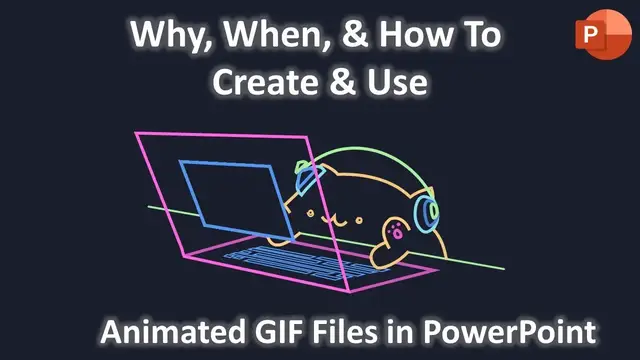

Why, When and How To Create and Use Animated GIF Files in PowerPoint Tutorial
Aug 1, 2023
In this tutorial, you will learn to create an Animated GIF file in PowerPoint and will also get to know why and when you may need to use this trick.
⭐ Support Us on Patreon and Download the Cat Codes Animated Presentation @
https://www.patreon.com/posts/72065114
? Support For A Cause @ https://www.patreon.com/TheTeacher
? Animation Inspirations @
https://codepen.io/carolineartz/pen/qBOEzQa
By Caroline Artz
⚒ About Creating and Using Animated GIF files in PowerPoint
Do you know that in PowerPoint, you can not add a Delay Timing between the repeat? So, let's say, you want to apply the Wipe animation to 5 Shape Layers and also want to repeat this effect until the end of the slide.
So, if you will apply the Repeat Until End of the Slide option to all the 5 Wipe Animation Effects having a duration of 0.25 Seconds and each effect is playing After Previous, then it is not going to help you at all.
In this video, we used a presentation, where we need to display a screen on which some text is getting typed and we need to repeat this effect until the end of the show but there are also other animation effects that we are not repeating.
In this kind of situation, you can create a separate sequence of animations by animating different sequences of animation in different presentations and then combine those newly created individual animated GIF files into a single presentation.
Show More Show Less #Movies
#Online Media
#Computers & Electronics
#Computer Hardware
#Software
#Online Goodies
#Clip Art & Animated GIFs
#Animated Films