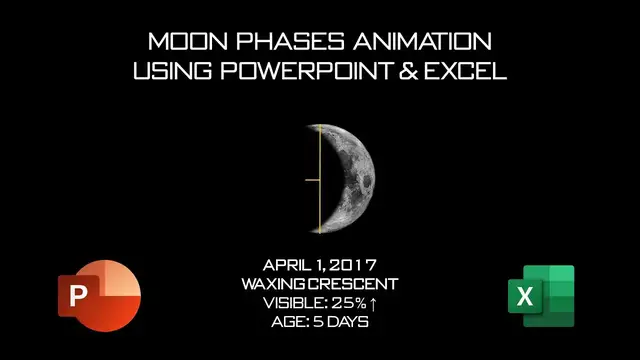

Moon Animation in PowerPoint Animation Tutorial
Aug 9, 2023
In this PowerPoint tutorial, you will learn to make Moon Phases Animation using Left Motion Path along with how to calculate Circle Diameter, Radius, Area, and Circumference in Microsoft Excel to know how much length we should apply to the Left Motion Path.
📋 Learn More & Alternate Download Moon Animation PowerPoint PPT Link @ https://www.theteacherpoint.com/moon-animation-in-powerpoint-tutorial/
💞 Support For A Cause @ https://www.patreon.com/TheTeacher
⭐ Support Us Patreon: 1-Click Download Moon Phases Animation Presentation
https://www.patreon.com/posts/54334294
✍ About the Moon Animation Tutorial
On 1st April 2017, 25% area of the moon was visible. According to the visible area of a circle, we need to calculate that how much black circle or earth shadow we should move in inches to get the 25% area of the moon revealed and 75% remaining hidden.
As we are applying the Left Motion Path, so we need to calculate how much length in inches we need to specify to the Motion Path, and for that, you can download the Excel worksheet above and can see the formulas used.
👌 Recommended Videos
How To Create 3D Animation in PowerPoint
https://youtu.be/XjP1tAtCFg4
Show More Show Less #Clip Art & Animated GIFs