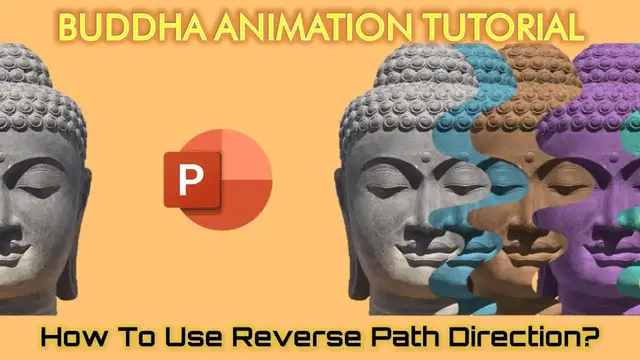

Make Animation in PowerPoint with Reverse Path Direction | Buddha Animation Tutorial
Aug 9, 2023
In this PowerPoint Animation Tutorial, we will make Buddha Animation using Reverse Path Direction and Lock / Unlock Origin Effect Options. Even though this is an easy tutorial but still you will learn a few techniques that you might not have seen before.
✍ About the Buddha Animation with Reverse Path Direction
We are using 5 Subtracted Pictures of Buddha with Motion Path but we specifically used 2 techniques to make the animation a bit different. We used the Reverse Path Direction on the 2nd slide to easily replicate and reverse the Motion Path effect.
We also used Lock Origin Effect Option while moving the pictures so that the Motion Path may remain on the same position.
⭐ Support Us at Patreon and Download Buddha Animation PPT
https://www.patreon.com/posts/62188975
💞 Support For A Cause @ https://www.patreon.com/TheTeacher
😀 Animation Inspirations @
Aztec Animation @ https://dribbble.com/shots/6547194-Open-compositions
👌 Recommended Videos
How To Remove Background From Pictures
https://www.youtube.com/watch?v=EakUaCNCE-4
Show More Show Less #Comics & Animation
#Flash-Based Entertainment
#Movies
#Online Goodies
#Clip Art & Animated GIFs
#Animated Films