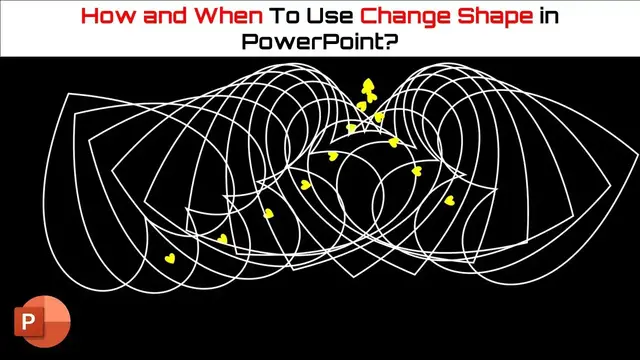

How To Use Change Shape To Make Animation in PowerPoint Tutorial
Aug 1, 2023
In this PowerPoint Animation Tutorial, you will learn how and when to use the Change Shape command from the Edit Shape drop-down menu.
⭐ Support Us at Patreon and Download Shapes Presentation PPT @
https://www.patreon.com/posts/63618231
? Support For A Cause @ https://www.patreon.com/TheTeacher
✍ About the Shapes Animated Background Tutorial
We described a few basics of using Shapes, specifically the oval and hollow shapes. You will also learn that how you can quickly create animated backgrounds using the Change Shape command available under Edit Shape of Shape Format tab.
? Recommended Videos
How and When to Define Custom Anchor Point in PowerPoint
https://www.youtube.com/watch?v=quvBb4pNMPg
Realistic Waves Animation in PowerPoint
https://www.youtube.com/watch?v=6sJLkf4lcOo
? Subscribe for more tutorials: https://www.youtube.com/TheTeacher?sub_confirmation=1
Show More Show Less #Online Goodies
#Clip Art & Animated GIFs
#Animated Films