
How To Make Responsive Animation in PowerPoint Tutorial
Aug 9, 2023
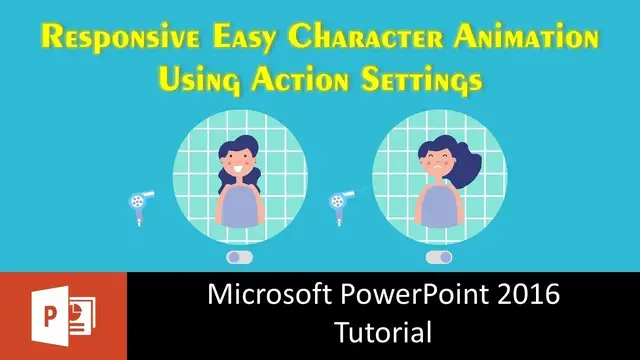
In this Response Animation in PowerPoint Tutorial video, we will apply Action Settings to certain objects to ask PowerPoint to respond to the mouse click to animate the character in the slide.
📝 Learn More & Download the Responsive Character Animation PowerPoint Presentation (PPT):
https://www.theteacherpoint.com/responsive-character-animation-in-powerpoint/
📋 About the Character Animation
So the response of the On / Off switch has been created using Action Settings and the entire animation scene will loop between 3 slides. Particularly between the 2nd and 3rd slide after you turn on the switch once. On the second slide, if you enable Selection Pane then you will have more objects than on the 1st slide because the Face and Body object has been ungrouped on the 2nd slide to animate the Eyes and Mouth separately. Motion Path, Spin, Grow / Shrink, Appear and Disappear effects have been used.
👌 This work is truly inspired from:
https://codepen.io/tamer_aka_remat/pen/WKwqNd
🔔 Subscribe for more tutorials: https://www.youtube.com/TheTeacher?sub_confirmation=1
📝 Learn More, Visit: https://www.theteacherpoint.com
✅ Recommend Playlists:
🔹 Learn How To Make Animation in PowerPoint Playlist
http://bit.ly/Motion-Graphics-Playlist
Show More Show Less #Visual Art & Design
#Software
#Clip Art & Animated GIFs
#Animated Films
#Technical Reference