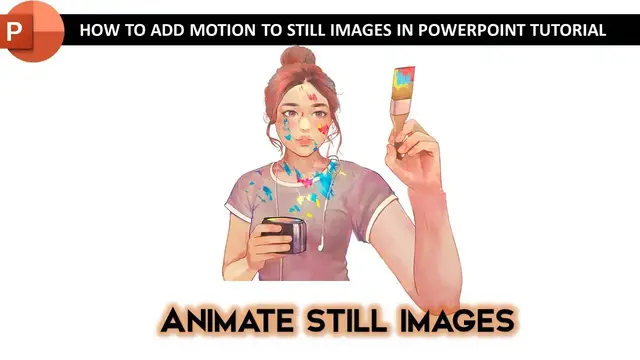

How To Make Animation in PowerPoint with Still Images Tutorial
Aug 9, 2023
In this tutorial, you will learn how to make animation in PowerPoint using Still Images by dividing the picture into separate layers and then applying animation effects to each layer.
? Register On Our Website and Get FREE Access To All Our Presentations @
https://www.theteacherpoint.com/painting-girl-animation-in-powerpoint/
⭐ Support Us @ Patreon: 1-Click Download Sample PowerPoint Animation Presentation with Still Images
https://www.patreon.com/posts/76235997
? Support For A Cause @ https://www.patreon.com/TheTeacher
✍ About How To Make Animation in PowerPoint with Still Images
This animation is the replication of @angelahe works at codepen.io https://codepen.io/zephyo/pen/yGXxgw. The animation is not loading properly so you can also have a look at https://twitter.com/zephybite/status/1079461057725374464.
We used the same techniques by separating each body part from the picture that we want to animate. Then we used Motion Path, Grow/Shrink, and Spin effects to create movement in the still image.
? Music Credits:
Smooth and Cool - Nico Staf
? Subscribe for more tutorials: https://www.youtube.com/TheTeacher?sub_confirmation=1
Show More Show Less #Comics & Animation
#Flash-Based Entertainment
#Movies
#Online Goodies
#Clip Art & Animated GIFs
#Animated Films