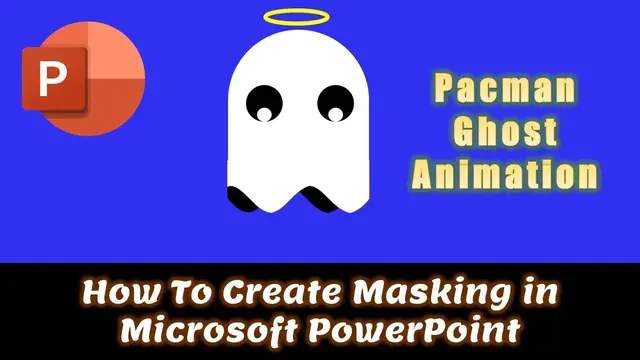

How To Create Masking Using Shape Layers in PowerPoint - Pacman Ghosts Animation Tutorial
Aug 1, 2023
In this PowerPoint Animation Tutorial, you will learn how to use Shape Tools with Selection Pane to only show or hide particular layers during the slideshow.
⭐ Support Us at Patreon and Download Pacman Ghosts Animation Presentation PPT @ https://www.patreon.com/posts/62771041
? Animation Inspirations By:
Oi @ https://dribbble.com/shots/7989722-Animated-svg-doodle
✍ About the Pacman Ghosts Animation Tutorial
This video will not only describe how to create a Pacman Ghosts Animation but you will also learn how to place the layers with the help of Selection Pane. The importance of the Fill Color and the Outline Color has also been briefly described.
Besides that, you will learn a few basic things about the Animation Pane and how the duration and delay timings affect the Timeline.
To create a seamless loop when using the Motion Path effect has also been described in this tutorial.
? Recommended Videos
How To Create 3D Animation in PowerPoint
https://youtu.be/XjP1tAtCFg4
Show More Show Less #Arts & Entertainment
#Comics & Animation
#Movies
#Online Goodies
#Clip Art & Animated GIFs
#Reference
#Animated Films