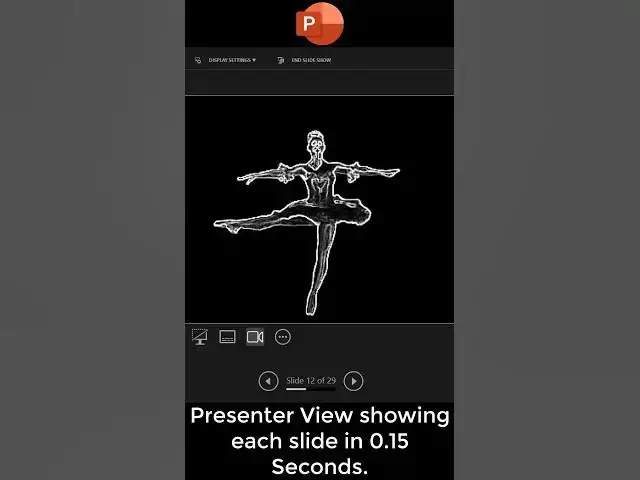

Dancing Girl Animation in Microsoft PowerPoint
Mar 29, 2024
In this tutorial from "The Teacher" channel, viewers are guided through the process of creating a captivating dancer animation in PowerPoint. Inspired by the work of Cesinia the Dwarnik, the tutorial begins with the extraction of a PNG file featuring 29 distinct frames of a dancing character. The presenter demonstrates how to divide the image into equal parts using imgonline.com.ua, providing step-by-step instructions for the process.
After downloading and extracting the frames, the tutorial transitions to PowerPoint. Viewers learn how to import the images into a blank presentation, align and center them on the first slide, and subsequently duplicate slides to separate each frame. The presenter then guides users through the creation of a smooth animation by adjusting transition settings and specifying durations for each slide.
The tutorial concludes with tips on customizing the animation speed and creating a continuous loop effect. Additionally, viewers are shown how to save the animation as a GIF for easy sharing and distribution. The comprehensive guide encourages viewers to like, share, and subscribe to the channel for more engaging tutorials.
Full tutorial:
https://www.youtube.com/watch?v=CTup-D9H-9M
Show More Show Less