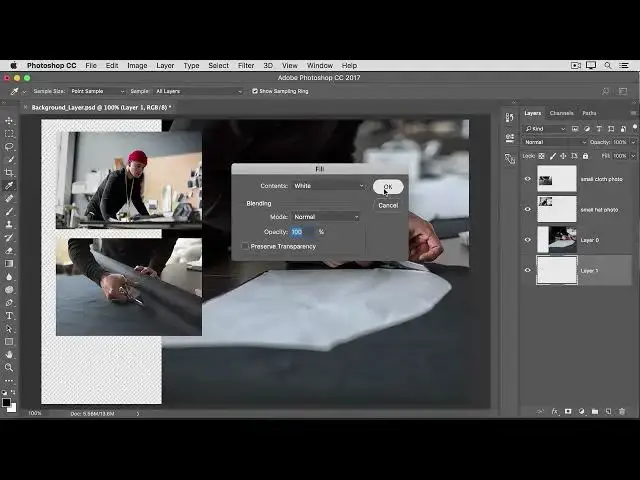

Learn how a special Background layer works in Photoshop 2022
Aug 31, 2024

What you learned: To convert a Background layer into a regular layer - www.easy-tutorials.com
Because the Background layer is locked, it can’t be moved in the Document window or rearranged in the Layers panel, and some editing functions won’t work on it.
To change the Background layer into a regular layer, click the lock icon to the right of the layer name in the Layers panel.
Show More Show Less #Software
#Skins, Themes & Wallpapers