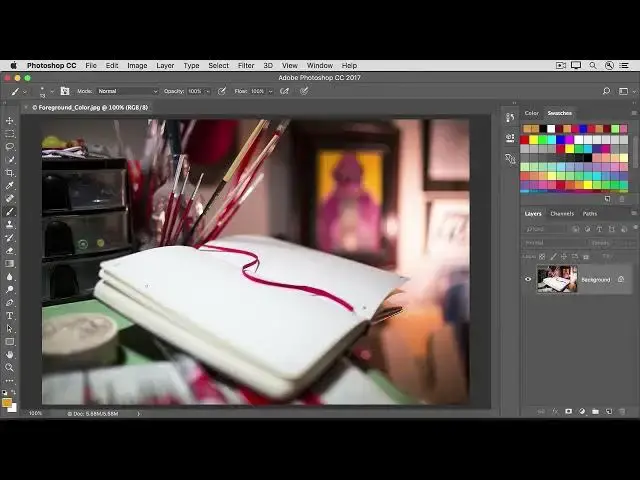

How to Store colors in the Foreground and Background color boxes in Photoshop 2022
Aug 31, 2024

In this video we will learn how to Store colors in the Foreground and Background color boxes in Photoshop 2022 - www.easy-tutorials.com
What you learned
The Brush tool, the Shape tools, the Type tool, and other features that apply color use the color in the Foreground Color box at the bottom of the Tools panel.
There are multiple ways to set the foreground color. You can select the Eyedropper tool and sample a color from the image, or use the Color Picker, Color panel, or Swatches panel.
Behind the Foreground Color box is a Background Color box, where you can store another color.
To switch the Foreground and Background color boxes to quickly access either color, click the double-pointed arrow just above the two color boxes or press the X key
Show More Show Less