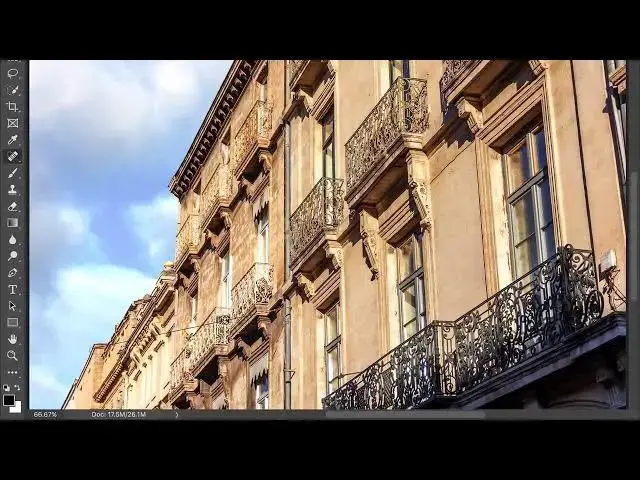

How to remove unsightly wires from a photo in photoshop
Aug 31, 2024

In this video we will learn how to remove unsightly wires from a photo in photoshop
Use the Spot Healing Brush tool to hide wires
The Spot Healing Brush tool is useful for quickly removing wires, even where they cross over complex backgrounds, like buildings.
In the Layers panel, click the Create new layer button to make a new layer for retouching. Name this layer cleanup and leave it selected.
Select the Spot Healing Brush tool in the Toolbar.
In the Options bar, select Sample All Layers, so that the Spot Healing Brush tool will sample content from all layers and use it to retouch on the selected cleanup layer.
Make the brush tip a little bigger than the circumference of the wire, by pressing the left bracket key to make the brush smaller or the right bracket key to make it bigger.
Drag over the wire to remove it from view.
Tip: If the wire is straight, you may be able to remove it all at once by clicking one end of the wire, releasing your mouse, and Shift-clicking the other end of the wire.
Use the Healing Brush tool if you need more control
If you don’t get the results you want with the Spot Healing Brush tool, try the Healing Brush tool. With the Healing Brush tool, you manually select the source of pixels that will be used to hide unwanted content.
In the Toolbar, press the Spot Healing Brush tool and select the Healing Brush tool from the pop-out menu.
In the Layers panel, make sure the cleanup layer is still selected. In the Options bar for the Healing Brush tool, choose Sample / Current & Below to retouch on a separate layer.
Show More Show Less