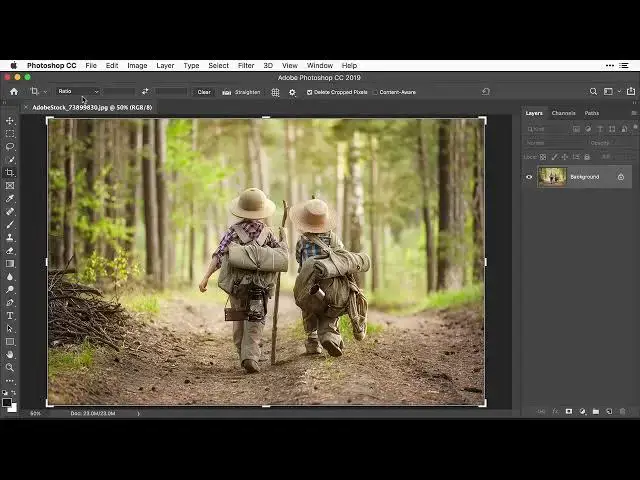

How to change the size of an image to use as YouTube channel art in photoshop
Aug 31, 2024

In this video we will learn how to change the size of an image to use as YouTube channel art in photoshop 2022 - www.easy-tutorials.com
What you learned: How to change the size of an image to use as YouTube channel art
Set crop options to a specific size
Select the Crop tool in the Toolbar.
Open the Aspect Ratio drop-down menu in the Options bar and choose WxHxResolution.
Enter the desired width and height values in pixels in the Options bar. Remember to enter “px” after both the width and height values.
Fine-tune the crop
To move the image inside the crop boundary, click the image and drag.
To change the crop boundary, click any boundary edge or corner and drag.
Finalize the crop and save
Click the checkmark icon in the Options bar, or press Enter or Return, to commit the crop.
Save in a web-friendly format, like JPEG or PNG.
Show More Show Less #Clip Art & Animated GIFs
#Photo & Video Sharing