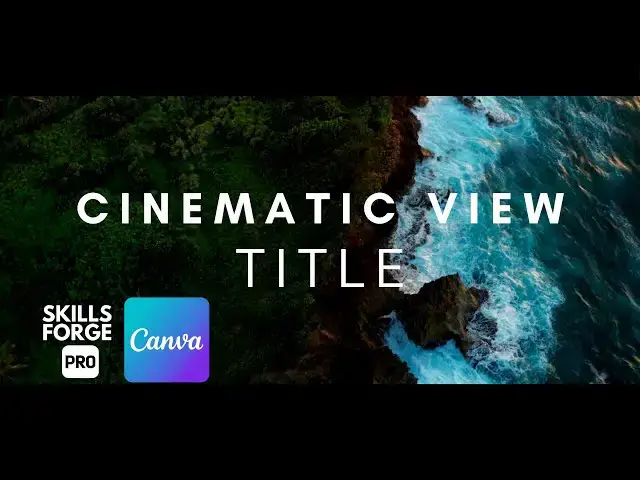

How to Create a Stunning Cinematic Title Animation in Canva Step by Step Tutorial
Apr 1, 2025

Want to give your videos a professional cinematic touch? In this tutorial, we’ll show you how to create a stunning cinematic title animation in Canva in just a few easy steps—no advanced editing skills required!
You'll learn how to:
✅ Choose the perfect video background
✅ Adjust lighting for a dramatic effect
✅ Add cinematic black bars for a 16:9 film look
✅ Create a stylish animated title with the perfect font and spacing
✅ Apply smooth transitions for a Hollywood-style finish
By the end of this video, you’ll have a pro-level title animation that you can use for your projects, YouTube videos, or short films!
#canvaai #canvatutorial #cinematictitle #titleanimation #canvaanimation #canvatexteffects #canvamotiongraphics #canvatricks #canvaprotips #canvaediting #canvavideo #canvamagic #graphicdesigntutorial #videoediting #socialmediadesign #canvatemplates #motiontitles #canvahacks #canvaforbeginners #digitalmarketing
🔔 Subscribe for more quick & practical Canva tips on Skills Forge Pro !
💬 Drop a comment if you have any questions or want more design tutorials!
Show More Show Less #Visual Art & Design
#Design
#Education
#Animated Films