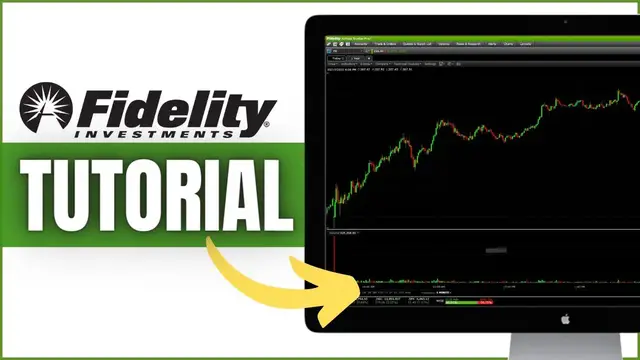

Fidelity Active Trader Pro Tutorial for Beginners 2022 | Step-by-Step Guide for Trading on Fidelity
Dec 17, 2022


In today’s video we’ll be doing a full tutorial of the Fidelity Active Trader Pro Platform. I'm going to do my best to get you as comfortable in here as possible, cover all the basics. Everything from creating a watchlist, creating layouts, viewing charts, and placing trades.
Timestamps
0:00 Intro
0:27 How to Download Platform
1:30 General Navigation
3:39 Platform Settings
4:02 How to Change Color Scheme
5:09 How to Set Order Defaults
6:41 How to Create Layouts
10:21 Create / Customize Watchlist
13:49 How to Buy & Sell Stock
20:44 How to Trade Options
24:47 How to Create Spreads
27:38 Customize Charts
29:04 How to Add Studies
32:11 How to Draw Trendlines
Fidelity Active Trader Pro is one of the best platforms out there for those planning to trade stock and options. This tutorial will show you everything you could possibly need to know to get started trading on Fidelity Active Trader Pro.
We’ll discuss how to buy and sell stock, trade options, view charts, and some general customization. We’ll also go over how to create spreads like verticals and Iron Condors.
If you have any questions about Fidelity Active Pro, options, investing, or real estate; Please let me know in the comments down below.
➤ Open a tastyworks account: https://start.tastyworks.com/#/login?referralCode=PKSKCFVD2J
➤ Start Investing with M1 Finance: https://m1finance.8bxp97.net/151KXm
Disclaimer: Some of these links go to one of my websites and some are affiliate links where I'll earn a small commission if you make a purchase at no additional cost to you.
Show More Show Less