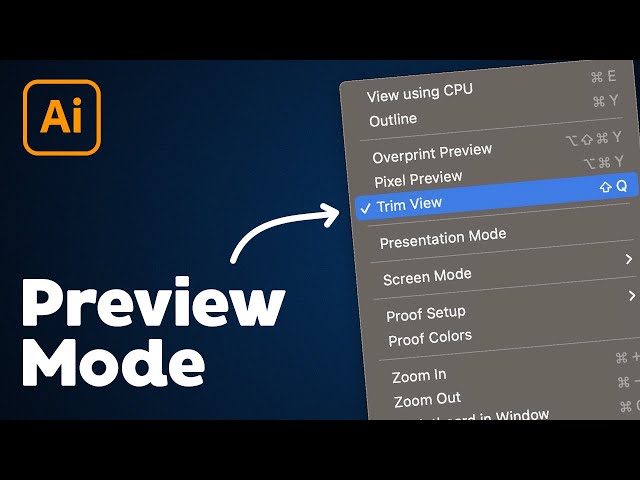

Trim View Preview Mode in Illustrator
Jun 24, 2023

In this Illustrator tutorial, learn how to preview your artboard with Trim View preview mode in Illustrator. Trim View allows you to trim your design to your artboard without having to use shapes or clipping masks to hide content on your canvas. We also add a custom Preview Mode shortcut key!
Check out my Illustrator classes on Skillshare! https://bit.ly/PBSkillshare
New to graphic design? Try Canva Pro for free! https://bit.ly/PBCanva
I use Screen Studio, the best screen recording software on Mac: https://bit.ly/PGScreenStudio
MY TUTORIAL CHANNELS //
• Main Channel: https://bit.ly/PixelAndBracketYT
• Illustrator: http://bit.ly/PBIllustrator
• Photoshop: http://bit.ly/PBPhotoshop
• InDesign: http://bit.ly/PBInDesign
• Premiere Pro: http://bit.ly/PBPremierePro
• After Effects: http://bit.ly/PBAfterEffects
CLASSES //
• Illustrator for Beginners: https://bit.ly/Illustrator5Essentials
• Photoshop for Beginners: https://bit.ly/Photoshop5Essentials
More tutorials here: https://pixelandbracket.com
Show More Show Less