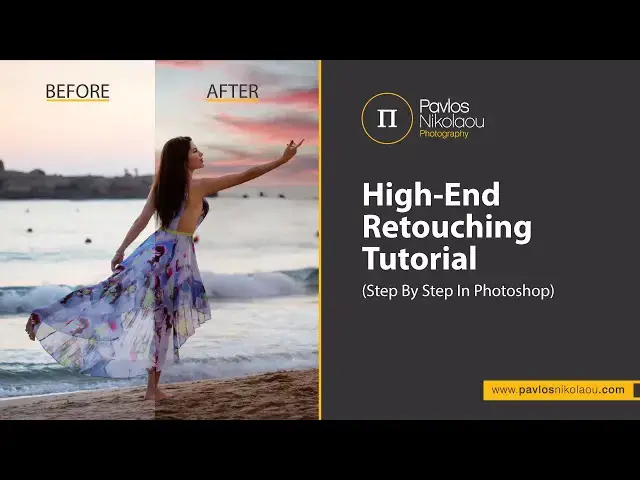

High-End Retouching Tutorial (Step By Step In Photoshop)
Sep 9, 2023

Welcome to my full Photoshop editing, where I show you step-by-step my whole editing process from start to finish.
I’m going to explain to you my thoughts behind my whole process and also how I color grade my images.
When you see the before and after, you’ll be amazed how a little bit of retouching can make an awesome image even better.
* This tutorial will cover:
1. RAW adjustments
2. Using the liquify tool
3. Removing distractions with the clone stamp tool
3. Skin retouching and Contouring via dodge and burn
4. Replace sky
5. Finish and Export
* Music from Michael FK:
- Michael FK & Liam Thomas - Hold Me
- Michael FK - Vacuum
- Michael FK & Faodail - Interference
------------------------------------------------------------
Facebook: https://www.facebook.com/PavlosNikolaouPhotography
Instagram: https://www.instagram.com/pavlosnikolaou/
Tiktok: https://www.tiktok.com/@p.n.photography
Show More Show Less