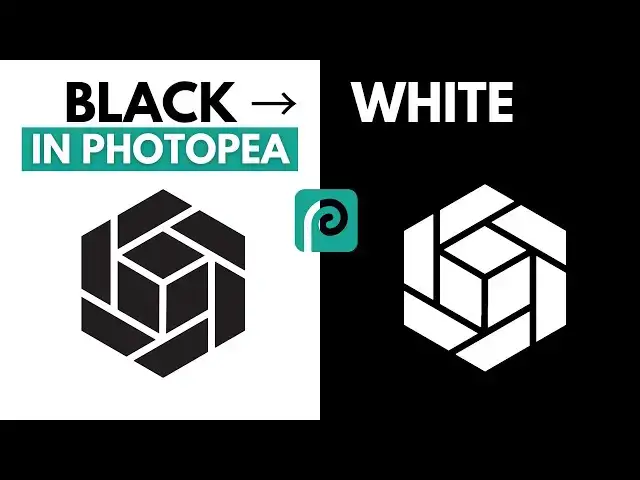

How to Invert a Black Logo to White in Photopea (Step-by-Step)
Aug 10, 2025

Want to change a black PNG logo to white in Photopea? In this beginner-friendly tutorial, I’ll show you exactly how to make black logos white in Photopea, fast, easy, and with zero prior design skills. Whether you’re creating social media graphics, building a website, or working on a presentation, this method will help your logos stand out on any dark background.
Photopea is a free, browser-based Photoshop alternative, and it’s perfect for quick design fixes like this. In this step-by-step guide, you’ll learn:
✅ How to open your black PNG logo in Photopea
✅ Why you shouldn’t just “paint” over a logo to make it white
✅ The quick Invert adjustment trick to change black to white instantly
✅ How to export your new white logo with a transparent background
Why this works: The Invert adjustment flips all colors, black becomes white, and white becomes black, making it the easiest way to transform your logo without losing quality.
Tools Used: Photopea - https://www.photopea.com/
✅ Learn how to sell designs and digital products online
► https://bit.ly/4eyCDbo
-----------------------
Discover More From Me:
Show More Show Less #Computers & Electronics