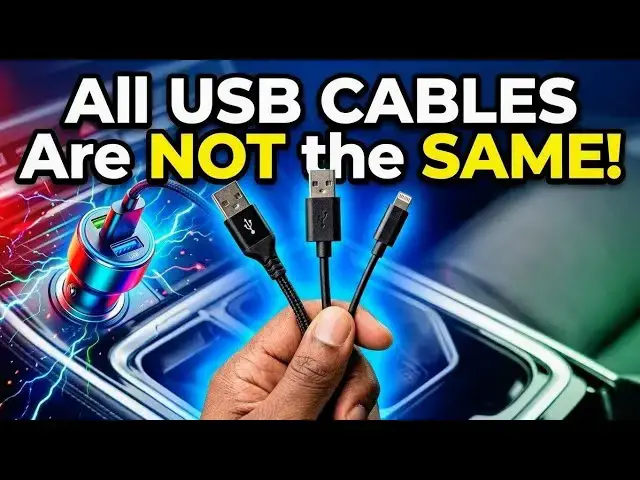

Do USB Cables Really Affect Charging Speed? (I Tested 3 to Find Out)
May 22, 2026

Ever wondered if your USB-C cable is secretly slowing down your charging speed? I put it to the test to see how different cables affect your phone's charging performance.
In this video, I compare 3 different USB-C cables to see if price and quality actually make a difference, and the results might surprise you. Not all cables are created equal!
If you've ever asked:
- “Why is my phone charging so slowly?”
- “Do USB-C cables affect fast charging?”
- “Is an expensive cable worth it?”
- This test gives you real-world answers.
What you'll learn:
- Whether USB-C cables truly impact charging speed.
- How to identify a slow or limited cable.
- What to look for when buying a high-quality fast-charging cable.
- Whether you're using an Android, iPhone, or a portable power bank, this is essential info for every device owner.
Drop your experience in the comments: Have you noticed a speed difference between your cables?
Subscribe for more real-world tech tests and reviews.
:: Mister Mobility's Essentials
These are the gadgets and accessories I personally recommend and use regularly:
• UGREEN Wireless Charger, Qi2.2 Qi2 Certified 25W Fast MagSafe-Compatible Wireless Charging Pad, 5ft Magnetic Charger for iPhone/Samsung/Google phones: https://amzn.to/4gJUiAx
• 5000 mAh Slim Magsafe Wireless Power Bank with USB-C charging: https://amzn.to/4gEHtrc
• Anker USB-C to USB-C Braided Cable, 60W Fast Charging Cable (1FT, 2Pack): https://amzn.to/4aXbkYa
• Anker 140W 4-Port GaN Phone/Laptop/MacBook Charger, USB-C Charger Block with Display: https://amzn.to/3RhW4ym
• SANDISK 1TB Extreme Portable SSD (New Model): https://amzn.to/4hehE1d
As an Amazon Associate, I may earn from qualifying purchases at no extra cost to you.
#USBC #FastCharging #TechTest #ChargingSpeed #USBCCable #TechTips #SmartphoneAccessories
Show More Show Less