Up next in 10



Iyaz explains how to safely de-grime and disinfect your phone and earbuds. The cleaning does not stop there; it’s time to get rid of some apps. We show you Android’s and iOS’s built-in tools that help you make the tough choices.
Show More Show Less View Video Transcript
0:00
You're a mess. You carry the past with you everywhere you go
0:04
We've got to do something about it. This is All Things Mobile, and here's how to clean up your tech
0:08
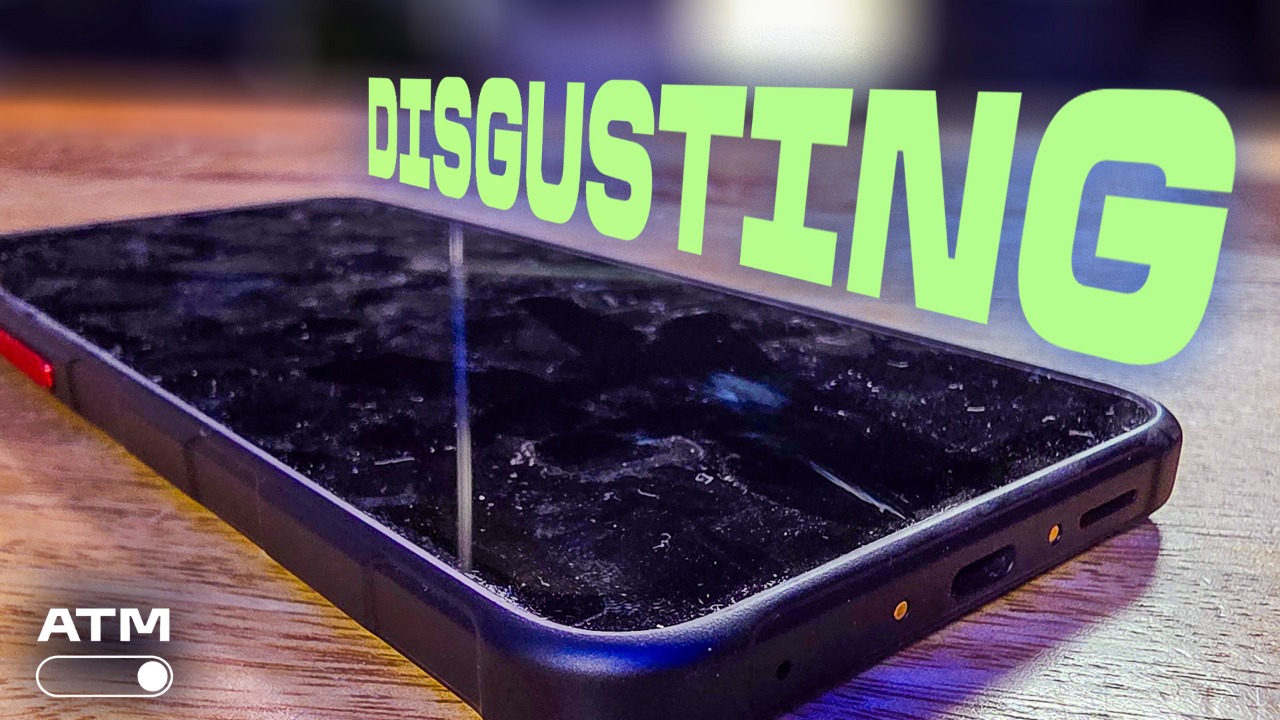
Let's start with a universal thing, your phone. This thing goes with you everywhere
0:13
When you're on your couch, it's there. When you're in bed, it's there. And when you're on the toilet, it's probably there too
0:18
You ever stop to think about what kind of stuff is physically on your phone? Let's all think about it together, shall we
0:25
Ew. Okay, so let's get to cleaning. You want to use bleach. lots and lots of bleach, or burn it with fire. These are not good cleaning methods as they will
0:34
result in the destruction of your phone. Bleach will remove coatings from your phone, which is
0:38
what we call no good. To remove physical schmutz, you can use a 70% isopropyl alcohol wipe or a 75
0:44
ethyl alcohol wipe or Clorox disinfectant wipes. No, Clorox is not a sponsor, but Apple specifically
0:50
calls out Clorox disinfectant wipes as safe for its products. Since those wipes are bleach-free
0:56
they should be okay for a lot of phones. Get to wiping
0:59
Be gentle and wipe just the hard non-porous surfaces. Do not get the liquid in the openings
1:04
Do you want to scrub and put an elbow grease into this? No, no
1:08
Gentle, like a breeze that caresses a leaf into fluttering softly Gentle If you have a foldable phone do not wipe the inner screen with anything other than a soft microfiber cloth If you must use a liquid get distilled water and gently wipe the grime away
1:24
Gentle, like the opposite of a bear catching a salmon upstream. You ever see videos of that? It's insane
1:29
Alternatively, you can use UVC light to disinfect your devices. Should you use a UVC wand like this one? Nope
1:36
The FDA issued a warning against using certain wands, which can give off unsafe levels of radiation
1:41
It could also cause injuries to the eyes or skin of people nearby
1:46
However, it is safe to use enclosed UVC boxes like phone soap
1:50
Just make sure your device or devices fit in it. To clean grills or ports, you may be tempted to grab a can of compressed air to blow everything away
1:58
Do not use compressed air on your phone. The force can be great enough to damage internal components like microphones
2:05
Instead, use a wooden or plastic toothpick to pull lint or whatever out
2:09
If you must use air, use a rubber air blower. You should not be able to produce enough force
2:15
to damage anything. Please do not take this as a challenge though. If you've got a brush, give that a go too
2:21
The outside of your phone is clean, but how about the inside? How many apps are on your phone right now
2:27
What's that you don't know? Well let find out Oh and when you do let us know how many apps you started with and ended with in the comments If you are on Android keep listening If you on iOS you can skip ahead or see how the other half lives
2:39
You do you. On Android, head to Google Play, tap your profile icon
2:44
then tap manage apps and device. And finally, tap the manage tab
2:49
On my personal phone, I have 401 apps. Do I use 401 apps daily
2:55
Of course not. So which should I get rid of? Maybe the ones I use the least
3:00
To find that out, tap on the recently updated text. That opens a dialog box
3:06
Tap least used. Now I have a list of apps that I hardly ever use
3:10
Ah, the Alaska Hawaiian app. Will I ever get to fly to either of you
3:14
I don't know. But I'll keep your app with me so I can remember you and this dream
3:19
Or I can just get rid of it and free up around 191 megabytes. If you want to free up space, tap that same menu on the top right and sort by size
3:26
If you've got automatic downloads on your music app or YouTube, you may see a lot of gigabytes taken up
3:31
What about iOS? To find out how many apps you have installed
3:35
go to settings, then tap general, then iPhone storage. The apps are sorted by size so you can see what's eating up the most space
3:42
You can also change the view to last use date If you see an app you never used maybe it time to let it go It be hard but I believe in you And then there are your earbuds They go into your ears all the time
3:56
When was the last time you gave them a really good cleaning? Be honest with yourself. Your
4:01
earbud tips may not be made of the same material as the bud itself, so keep that in mind
4:06
If the earbud is hard plastic like an AirPod or Galaxy Bud, that disinfecting wipe should work
4:11
nicely. Do not use the wipe on mesh areas though. Should you use compressed air now? No, definitely
4:18
not. No. If you want to know why, you could bust up the internal components like the drivers or
4:23
shove earwax further into the bud. You can clean your buds with a toothpick, but I've got this
4:27
earbud specific cleaner. It was a freebie with the case I bought. You can really get some precision
4:32
cleaning done with this. While you're at it, let's clean out that earbud case too. Make sure those
4:36
contacts are clean so your buds can charge properly. I'm going to keep cleaning and then
4:40
wipe my mind of all the horrors we've seen today. I'm Iez Actar and I'll see you online. Here's some
4:46
other things that are gentle. Gentle like a librarian's whisper in a room of sleeping kittens
4:51
Or gentle like if a cloud got tired and wanted to rest on a mountain. Or gentle unlike a raccoon
4:57
tearing open a trash bag. Be gentle. The word no longer has meaning to me. Gentle. Gentle. Gentle
#Celebrities & Entertainment News
#Consumer Electronics
#Mobile Phones