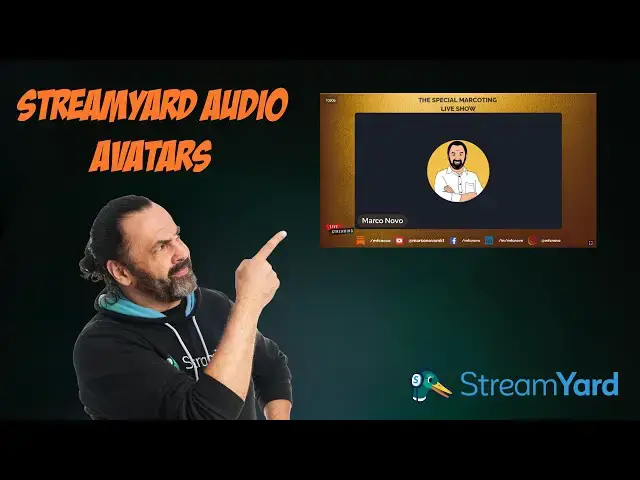

How to Use Avatars on StreamYard - Quick and Easy Tutorial!
Nov 20, 2025

Today I'm going to show you how you can set up audio avatars on StreamYard super quickly and easily!
If you have privacy concerns or you're just a bit camera-shy, this feature is perfect for you. In this tutorial, I'm sharing with you the entire step-by-step process - from enabling the feature in settings to applying the avatar for both yourself and your guests.
You'll see how simple it is: just go to settings, enable audio avatars, choose your favorite avatar and you're done! Now you can do your live streams or recordings without appearing directly on camera.
If this tutorial was helpful to you, don't forget to subscribe to the channel, turn on notifications and leave a like! You also have the affiliate link in the description to try StreamYard. Let me know in the comments if you have any questions!
See you in the next video! 👋
#StreamYard #AvatarTutorial #StreamingTips #LiveStreaming #TutorialVideo
Want to boost your content? These are the tools I use and love! 😉 Some links are affiliate links (I earn a commission at no extra cost to you):
🎥 StreamYard: Professional live streaming directly from your browser ➡ https://streamyard.com/?fpr=mfcnovo
🌟 Magai: Your new best productivity friend! Join thousands who have already transformed their workflow ➡ https://magai.co/?via=marco
〽️Metricool. Manage and measure your social media performance: https://f.mtr.cool/UQGBYC
📜 Castmagic: Transform audios into ready-made content | Code "marcoting20" = 20% off ➡ https://get.castmagic.io/ozhbxxx1bv3n
🤳 Be Relatable: Authentic content that works ➡ https://berelatable.pro/?fpr=mfcnovo
💰 Streann: Monetize your videos ➡ https://fas.st/t/tFgYFdcY
🎞️ Opus Pro: Viral short videos from your long content | 30% off ➡ https://www.opus.pro/marco30
Show More Show Less