0:00
In this video, I'm going to show you how
0:02
In this video, I'm going to show you how
0:02
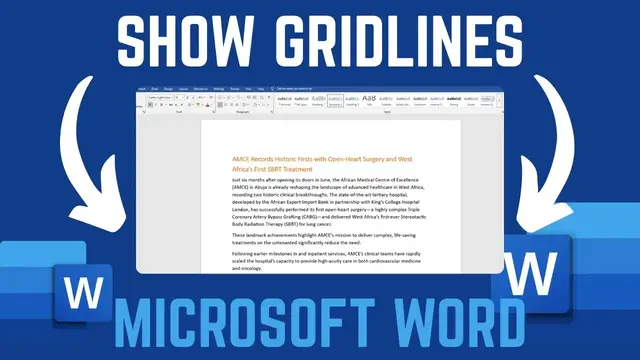
In this video, I'm going to show you how you can show ruler grid lines in
0:05
you can show ruler grid lines in
0:05
you can show ruler grid lines in Microsoft Word. If you find this video
0:08
Microsoft Word. If you find this video
0:08
Microsoft Word. If you find this video helpful, please like and subscribe to
0:09
helpful, please like and subscribe to
0:10
helpful, please like and subscribe to this channel. All right. So, I have just
0:12
this channel. All right. So, I have just
0:12
this channel. All right. So, I have just opened a new Microsoft Word document
0:15
opened a new Microsoft Word document
0:15
opened a new Microsoft Word document here. And I like to display or show
0:17
here. And I like to display or show
0:17
here. And I like to display or show ruler grid lines. To do this, just head
0:19
ruler grid lines. To do this, just head
0:19
ruler grid lines. To do this, just head over to view option. And then from view,
0:23
over to view option. And then from view,
0:23
over to view option. And then from view, you should be able to see we have ruler
0:25
you should be able to see we have ruler
0:25
you should be able to see we have ruler and grid lines here to show ruler. If
0:27
and grid lines here to show ruler. If
0:28
and grid lines here to show ruler. If you click on it now, you'll see we have
0:30
you click on it now, you'll see we have
0:30
you click on it now, you'll see we have ruler calibrations here on top and also
0:33
ruler calibrations here on top and also
0:33
ruler calibrations here on top and also on the sidebar we have ruler
0:36
on the sidebar we have ruler
0:36
on the sidebar we have ruler calibrations. If you want to add grid
0:39
calibrations. If you want to add grid
0:39
calibrations. If you want to add grid lines on your page, it's also simple.
0:41
lines on your page, it's also simple.
0:41
lines on your page, it's also simple. Just go ahead and tick on grid lines
0:43
Just go ahead and tick on grid lines
0:43
Just go ahead and tick on grid lines here. And this will add the ruler grid
0:46
here. And this will add the ruler grid
0:46
here. And this will add the ruler grid lines on your word document. So that's
0:49
lines on your word document. So that's
0:49
lines on your word document. So that's how you can show ruler grid lines on
0:52
how you can show ruler grid lines on
0:52
how you can show ruler grid lines on your Microsoft Word document. If you
0:54
your Microsoft Word document. If you
0:54
your Microsoft Word document. If you have any other question, kindly let me
0:56
have any other question, kindly let me
0:56
have any other question, kindly let me know in the comment section.