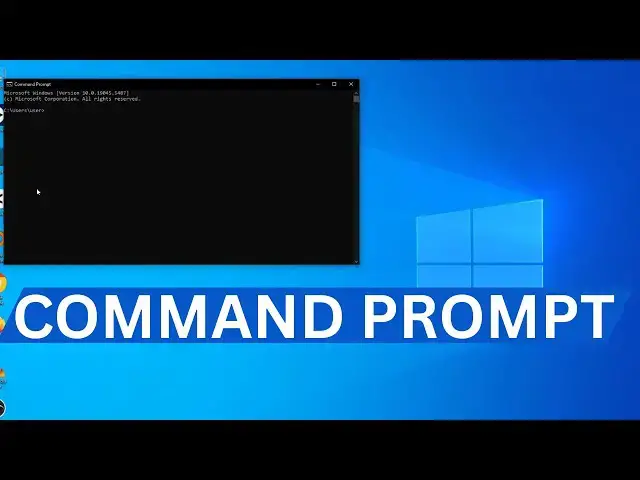

How To Open And Run Command Prompt On Windows 10 Or 11 | Windows Tutorial
Mar 20, 2025
Need to access the Command Prompt on your Windows computer? In this step-by-step tutorial, I’ll show you how to open Command Prompt on both Windows 10 and Windows 11. Whether you’re running basic commands, troubleshooting, or exploring advanced features, this guide will get you started in no time!
🔹 What you’ll learn in this video:
✔️ Different ways to open Command Prompt (CMD)
✔️ How to run Command Prompt as Administrator
✔️ Shortcuts and tips for quicker access
✔️ Works on both desktop PCs and laptops running Windows 10/11
📌 Important Notes:
- Running Command Prompt as Administrator gives you access to more powerful system commands
- CMD is a useful tool for troubleshooting, file management, and network tasks
- Always be careful when using commands you’re not familiar with
ALSO WATCH
-How To Enable Developer Mode On Windows 10/11 Computer: https://youtu.be/XBhjbjF9hRg
-How To Display Search Bar On Windows 10 and 11: https://youtu.be/ttwGBcLxMAc
-How To Find Your Computer Device Name And Change It: https://youtu.be/XaR6Sn1QYc8
-How To Hide Search Bar On Windows Computer: https://youtu.be/sp8I2covzxE
If this video helps, don’t forget to like, comment, and subscribe for more easy tech tutorials and Windows tips!
Show More Show Less