0:00
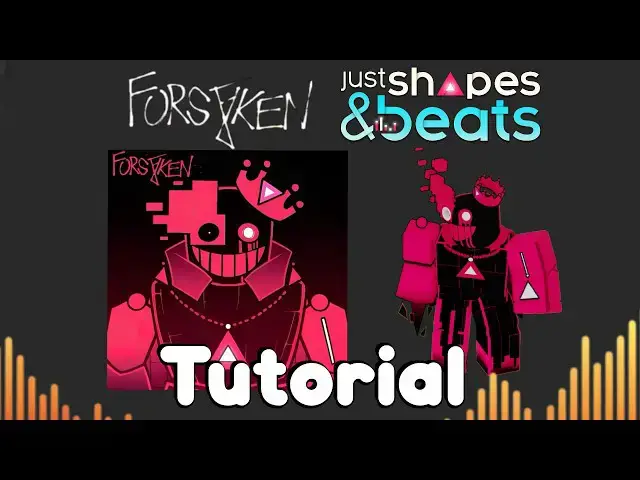
in today's video I'm going to show you
0:01
how to get Forsaken Just Shapes and
0:03
Beats skins in Roblox let's start with
0:05
the Friend Elliot Roblox avatar it
0:08
approximately costs 515 Robux to get all
0:11
of the items required and the avatar
0:13
type set to our Sims the avatar items
0:16
required to make this fit is the boot
0:19
cap costing 105 Robux the friend Elliot
0:22
cat ears costing 105 Robux friend Elliot
0:26
shirt costing only five Robux and the
0:29
Elliot hats as well the friend Elliot
0:31
face costing 95 the blue net scarf
0:34
costing 60 Robots and the simple knee
0:37
life navy blue coat costing 140 robots
0:41
putting all these avatar items together
0:43
will grant you the bandit Elliot skin
0:45
from Forsen let's move on to your John
0:48
Doe skin annihilation this avatar costs
0:52
665 Robux to pick today for the items
0:55
you'll need Foresaken annihilation John
0:58
Bell clown glowing forsaken annihilation
1:02
jumbell head glowing both shirts and
1:05
pants and in the annihilation jamb's
1:07
eighth annihilation jumbo's arm and mini
1:12
arm but if you want the avatar to be a
1:15
little more accurate to the game's waffy
1:16
and run animations I recommend getting
1:19
the elder animation package which costs
1:22
250 edge for robots then what you're
1:24
going to do is sell your avatar tattoo
1:26
off the team equip the animation
1:28
packages you b with running waffin idle
1:31
animation before I end the video here
1:33
some people are at that question why
1:35
they can't fit boat annihilations keep
1:38
and time it's a pretty easy pulse but
1:42
here's what you're going first all go to
1:44
the Roblox website and click accessories
1:47
and click on that as you can see I
1:50
couldn't really equip these items at the
1:52
same time so what you're going to do is
1:55
you're going to right
1:56
click open link in the tab you can
2:00
either choose both of these by the way
2:01
so now what you're going to do is you're
2:03
going to cut and paste this little IV
2:06
right here this little
2:10
number and what you're going to do is go
2:13
scroll all the way down until you see it
2:15
at last and what you're going to do is
2:19
this will override the current look of
2:21
your avatar and of course you'll end up
2:23
equipping bow back so you get the sense
2:27
hav and that's about it thank you guys
2:29
for watching my little tutorial video