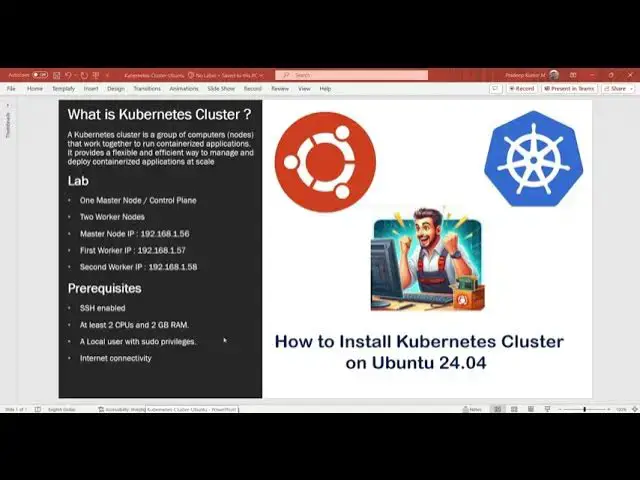

How to Install Kubernetes Cluster on Ubuntu 24.04 | Step-by-Step Guide
Oct 16, 2024
In this tutorial, I will walk you through the process of installing a Kubernetes cluster on Ubuntu 24.04 using Kubeadm. We will cover each step required to get your cluster up and running, from setting hostnames to testing the deployment. Whether you're new to Kubernetes or looking to refine your setup, this guide is for you!
In this video, you will learn:
1) Set Hostname & Update Hosts File
Configure the master and worker nodes' hostnames and update the hosts file for network communication.
sudo hostnamectl set-hostname "k8s-control-node" // Master Node
sudo hostnamectl set-hostname "k8s-worker01-node" // Worker Node 1
sudo hostnamectl set-hostname "k8s-worker02-node" // Worker Node 2
add the following lines to /etc/hosts file on each node
192.168.1.56 k8s-control-node
192.168.1.57 k8s-worker01-node
192.168.1.58 k8s-worker02-node
2) Disable Swap & Load Kernel Modules
Show More Show Less #Software
#Distributed & Cloud Computing