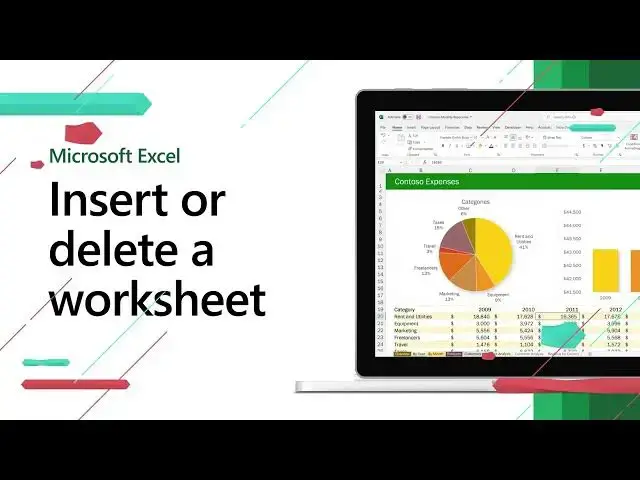

Insert or delete a worksheet in excel | Excel Short Clip | Tutorial | #shorts | #itsolzone
Oct 19, 2024
Insert or delete a worksheet in excel | Excel Short Clip | Tutorial | #shorts | #itsolzone
Welcome to our latest Excel short clip tutorial! In this quick video, we'll show you how to insert or delete a worksheet in Excel.
If you're working on a large Excel workbook with multiple sheets, you may need to add or remove a worksheet from time to time. It's an easy process, but one that can save you a lot of time and frustration.
First, let's take a look at how to insert a worksheet. Simply right-click on any existing sheet and select "Insert" from the drop-down menu. You can choose to insert a new worksheet or a worksheet from an existing template. Once you've made your selection, the new sheet will appear to the left of the sheet you right-clicked on.
If you want to delete a worksheet, simply right-click on the sheet you want to remove and select "Delete" from the drop-down menu. You'll be asked to confirm that you want to delete the sheet, so make sure you're deleting the correct one before proceeding.
That's it! Inserting or deleting a worksheet in Excel is a simple process that can save you a lot of time and hassle. We hope you found this short clip tutorial helpful. Don't forget to like and subscribe for more Excel tips and tricks! #shorts
————————————————————————————————————————
Official Website: https://www.itsolzone.com/
Facebook: https://www.facebook.com/itsolzone/
Instagram: https://www.instagram.com/itsolzone/
Twitter: https://twitter.com/ItsolZone
Tiktok: https://www.tiktok.com/@itsolzone
Snack Video: https://sck.io/u/Vn7z7d55
—————————————————————————————————————————
#learnexcel,
#itsolzone,
Show More Show Less