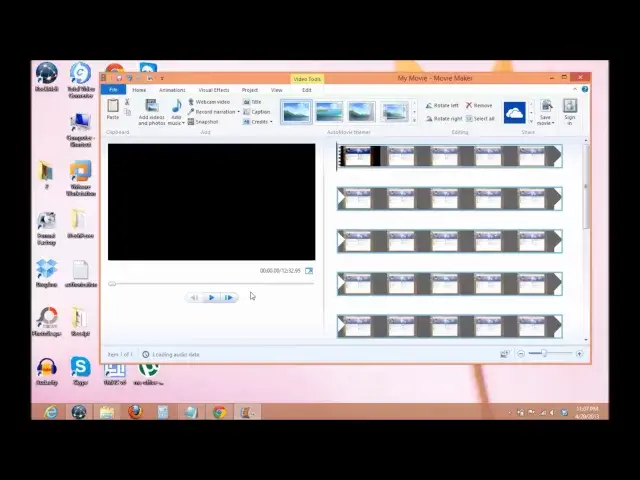

Windows Movie Maker How to Fix Stopped Working Error.
Mar 24, 2024
How to fix Windows Movie Maker has stopped working problem in windows XP, 7 and 8.
To fix this problem follow these steps-
1. Go to shortcut of movie maker.
2. Right click - properties.
3. Now click on compatibility tab.
4. Check that box which says " Run this program in compatibility mode for.
5. From the drop down menu select --
a) If you have windows 8 then select Windows 7.
b) If you have windows 7 then select Windows Vista ( Service pack 1 or 2).
c) If you have windows Vista then select Windows XP ( Service Pack 1, 2 or 3)
6. Click on Apply then Ok.
Read Here - https://www.itechfever.com/windows-movie-maker-fix-stopped-working-error/
Follow on Facebook - http://facebook.com/itechfever
Music-
Clear Air Kevin MacLeod (incompetech.com)
Licensed under Creative Commons: By Attribution 3.0
http://incompetech.com/music/royalty-free/index.html?isrc=USUAN1200002.
http://creativecommons.org/licenses/by/3.0/
Show More Show Less