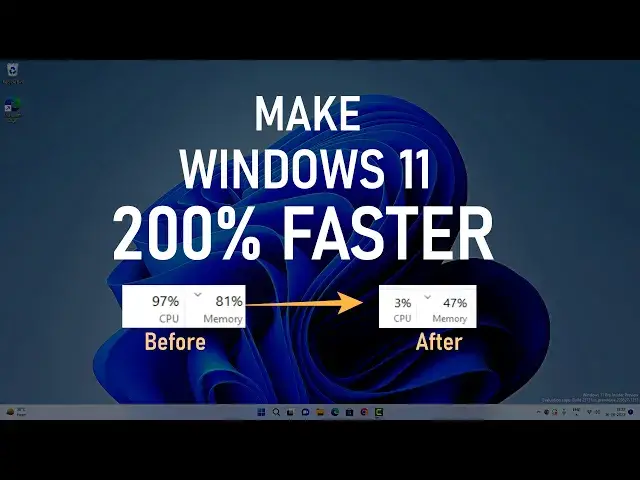

How Make Windows 11 Faster | 200% Faster Windows 11
Mar 24, 2024
Is your Windows 11 running slow? Do not worry, here are some ultimate tips to make Windows 11 faster than before, these tips and tweaks will help you speed up Windows 11 and make it smoother. You can create a system restore point before you start the Windows 11 optimization.
How to make Windows 11 Faster-
00:00 Intro
00:13 Enable Storage Sense
01:11 Adjust Privacy Settings
02:18 Adjust App Permissions
03:43 Disable System Notifications
04:07 Uninstall Unwanted Apps
04:44 Disable Startup Apps
05:08 Adjust Visual Effects
5:54 Disable X Box Game Mode
06:20 Disable Unnecessary Windows Services
08:17 Clean Temp Files
09:05 Outro
Visual Effects to enable -
1. Animations in the taskbar
2. Save taskbar thumbnail preview
3. Show thumbnails instead of icons
4. Show window content while dragging
5. Smooth edges of screen fonts
Windows 11 services to disable
1. Download map manager
2. Fax
3. Hyper-V (if not using virtualization)
4. IP Helper (If not using IPv6)
5. Windows image acquisition
6. Geolocation
7. Connected User Experiences and Telemetry
8. AllJoyn Router Service
9. Secondary logon
10. Remote Registry
11. Windows Insider Service
12. Retail Demo Service
#MakeWindows11Faster #SpeedUpWindows11 #Windows11
Follow on Social Media
Facebook - https://fb.com/iTechFever
Twitter - https://twitter.com/itechfever
Instagram - https://instagram.com/itechfever
Visit - https://www.itechfever.com
Show More Show Less