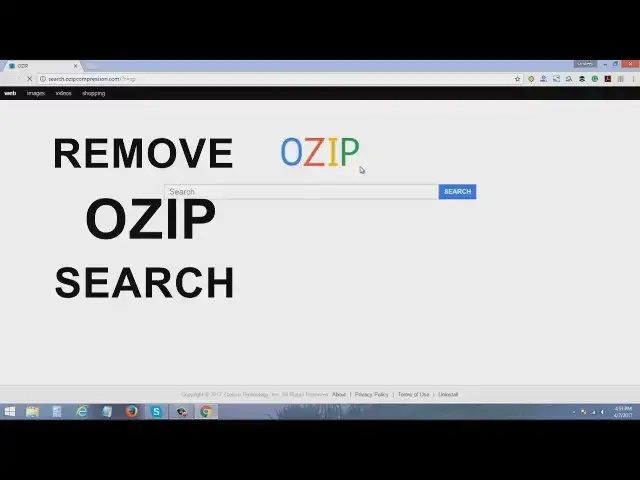

Ozip Compression | How to Remove OZIP Search From Chrome, FF & IE
Mar 24, 2024
OZIP search is another unwanted search engine which gets installed into your computer with free programs, cracks and keygens.
Once it is installed it set itself as the default search engine on most of the browsers like Chrome, FireFox and Internet Explorer.
How To Remove OZIP Compression Easily.
1. Go to start and search for Control Panel and then open Program and Features.
2. If you are recently affected by OZIP then sort your programs by the installation date, find and uninstall OZIP.
Here is a list of all such bogus programs -
OZIP
OZIP Compression
Xwrig
OZSearch
Wajam
Once all such programs are removed you need to fix the browsers.
3. Now open Google Chrome and Go to extensions find and remove OZIP Search Extension.
4. Go to startup pages and change your homepage.
5. Change your default search Engine and Click Manage Search Engine, find and remove Ozip Compression Search.
To Fix FireFox - GO to Options and change the HomePage
Go to search option find and remove OZIP
TO Fix IE- Open IE and go to Gear Menu from there click Internet Options and change the Homepage.
Show More Show Less