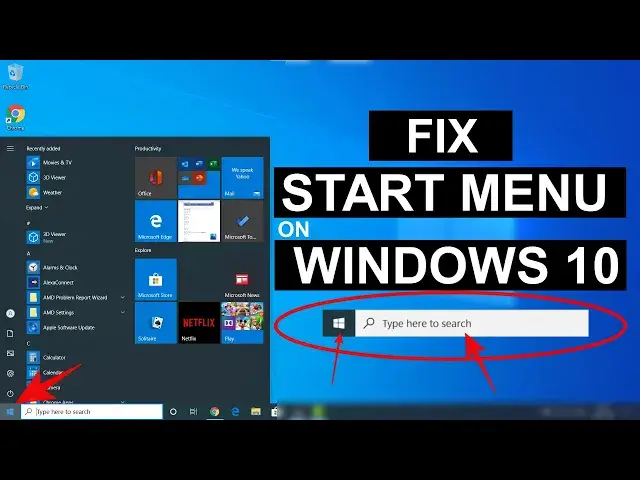

Fix Start Menu Not Working in Windows 10 | Repair Start Menu Button - 5 Methods
Mar 24, 2024
In this video, you will learn to fix start menu not working on Windows 10 problem. Users on Windows 10 may face an issue where the start button won't work at all along with Cortana search. You will see 5 methods to fix start button on Windows 10.
Note: It is advised to create a system restore point before following any Windows tutorial.
1. Restart the "Start Menu" process and restart Windows Explorer.
2. Rebuild or re-register the Start Menu.
Open the PowerShell as admin and execute the below commands one by one -
Get-AppxPackage Microsoft.Windows.ShellExperienceHost | Foreach {Add-AppxPackage -DisableDevelopmentMode -Register "$($_.InstallLocation)\AppXManifest.xml"}
Get-AppxPackage Microsoft.Windows.StartMenuExperienceHost | Foreach {Add-AppxPackage -DisableDevelopmentMode -Register "$($_.InstallLocation)\AppXManifest.xml"}
Get-AppxPackage Microsoft.Windows.Cortana | Foreach {Add-AppxPackage -DisableDevelopmentMode -Register "$($_.InstallLocation)\AppXManifest.xml"}
These commands will rebuild the Start Menu and Cortana search.
3. Run the System Integrity Check -
Open PowerShell as admin and type
sfc /scannow
If there is any issue the restore the Windows 10 health using an inbuilt recovery image -
Type -
DISM /Online /Cleanup-Image /RestoreHealth
and hit enter on keyboard.
4. Re-register all Windows 10 Apps -
Open PowerShell as Admin -
Type -
Get-AppXPackage -AllUsers | Foreach {Add-AppxPackage -DisableDevelopmentMode -Register "$($_.InstallLocation)\AppXManifest.xml"}
And hit enter.
5. Move to a new user account.
Open cmd as admin -
Type -
net user user_name password /add
net localgroup administrators user_name /add
Now logout from the current user account and login to the newly created account where Windows 10 Start Menu will work without any issue.
Follow on Social Media
Facebook - https://fb.com/iTechFever
Twitter - https://twitter.com/itechfever
Instagram - https://instagram.com/itechfever
Visit - https://www.itechfever.com
Show More Show Less