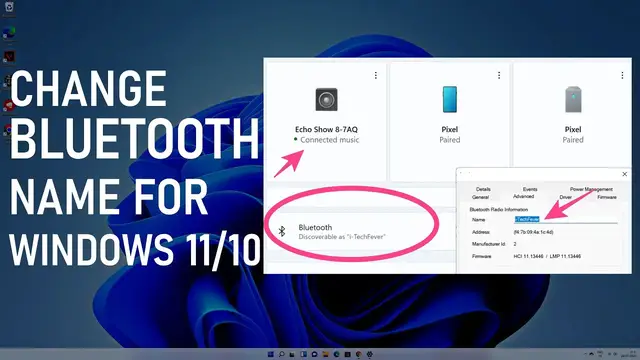

Change Bluetooth Name Of Windows 11 or 10 PC & Rename Bluetooth Devices
Mar 29, 2023
Learn to change Bluetooth name of Windows 11 PC and rename the connected devices. Renaming Bluetooth devices is an easy process. However, changing the Bluetooth name for Windows 11 or 10 is different. You can change how your PC would be discoverable to other Bluetooth devices.
Renaming the connected Bluetooth devices-
1. Go to Menu & search for Control Panel
2. Open Devices & Printers
3. Find the Bluetooth device you want to rename
4. Right click and go to Properties then Bluetooth tab
5. Name the device as you want
Changing Bluetooth name of Windows 11 or 10
There are 2 ways, you can simply rename the Computer and it will also change the Bluetooth name.
To rename your PC -
1. Go to settings.
2. System setting and rename the PC, you have to restart.
Change Bluetooth name Without changing PC name
1. Go to search and look for "Device Manager"
2. Find and right-click on the Bluetooth adapter.
3. Go to the Advanced tab and rename the Bluetooth name of your PC.
Follow on Social Media
Facebook - https://fb.com/iTechFever
Twitter - https://twitter.com/itechfever
Instagram - https://instagram.com/itechfever
Visit - https://www.itechfever.com
Show More Show Less