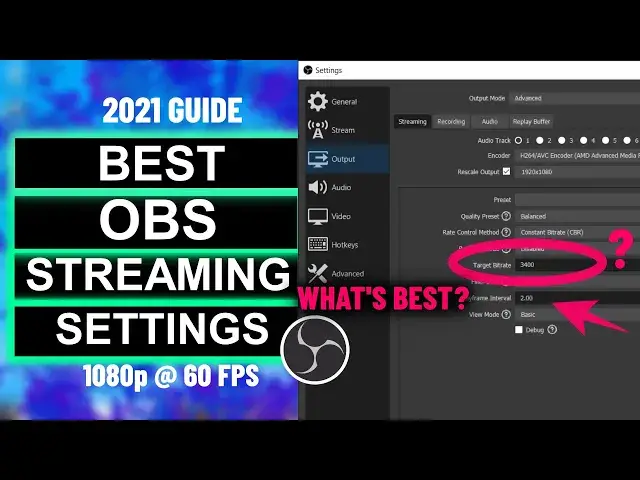

Best OBS Settings For Streaming | High FPS, Full HD & No Lag Streaming
Mar 24, 2024
What are the best OBS settings for streaming without frame drops & lags? In this video, you will see how you can find the best OBS streaming settings for 1080p at 60 FPS without lags or frame drop. The settings are different for each PC since every PC has a different configuration.
There is no pre-defined rule or settings to get the bet out of OBS for your PC but in this video, I have mentioned how can you find the best settings for your computer.
You may have different graphics cards like Nvidia or AMD. So you will see how can you get the best out of your graphics card.
What will you learn -
1. Some general OBS settings.
2. OBS Advanced Settings.
3. About Encoders
4. Rate Control Method
5. How to choose an optimal bit rate.
6. How to select Keyframe interval.
7. Choosing audio bit rate and sample rate.
8. Advanced video output settings.
9. Replay buffer.
10. Pre-pass mode.
11. Filter data on OBS.
12. Finding the optimal bit rate for 1080p streaming on 60 fps.
13. Finding the bitrate for best quality and speed on stream.
And many more...
Here are some recommended bit rates for different upload speed-
1080p 60 FPS
Upload speed: 7-8+ Mbps
Resolution: 1920 x 1080
Bitrate: 4500 to 6000 kbps
Framerate: 60 fps
720p 60 FPS
Upload speed: 6–7 Mbps
Resolution: 1280 x 720
Bitrate: 3500 to 5000 kbps
Framerate: 60 fps
1080p 30 FPS
Upload: 6–7+ Mbps
Resolution: 1920 x 1080
Bitrate: 3500 to 5000 kbps
Framerate: 30 fps
720p 30FPS
Upload speed: 5–6 Mbps
Resolution: 1280 x 720
Bitrate: 2500 to 4000 kbps
Framerate: 30 fps
480p 60 FPS
Upload speed: 4–5 Mbps
Resolution: 640 x 480
Bitrate: 1500 to 2500 kbps
Framerate: 60 fps
Follow on Social Media
Facebook - https://fb.com/iTechFever
Twitter - https://twitter.com/itechfever
Instagram - https://instagram.com/itechfever
Visit - https://www.itechfever.com
Show More Show Less