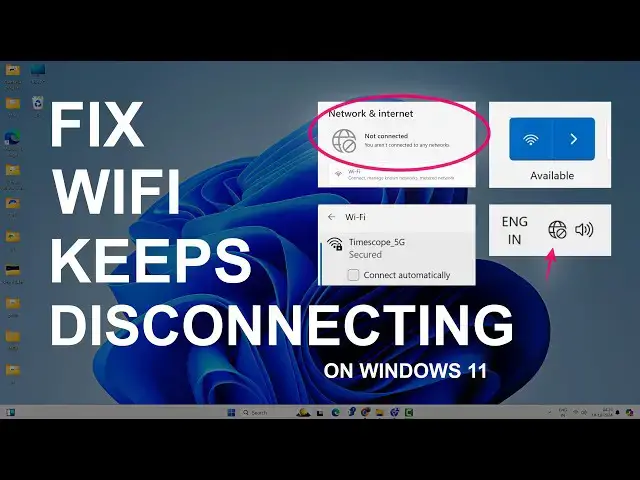

Fix WiFi Keeps Disconnecting on Windows 11 | Unstable WiFi & Internet
Mar 5, 2025
Does your WiFi keep disconnecting on Windows 11 after a certain time? This is another common problem with Windows 11 where you get an unstable Internet connection. In this video, you'll find different ways to fix the WiFi drop issue.
Video will help to fix these issues:-
1. WiFi keeps disconnecting frequently
2. Stuck on connecting
3. Unstable Internet connection.
4. 5GHz band disappearing
5. WiFi turning off automatically
and many such problems that make your WiFi & Internet unstable.
Follow these methods one by one to fix the WiFi on Windows 11 laptop or desktop PC.
1. Restart PC & Routers
2. Forget Network
3. Change Network Profile
4. Disable Power Saving Mode
5. Change Power Options Settings
6. Run Network Troubleshooter
7. Fix Socket API Errors
8. Restart WLANAutoConfig Service
9. Use Custom DNS
10. Network Reset
11. Update/Uninstall Network Adapter
12. Install Latest WiFi Driver
The above steps will definitely help you fix frequent WiFi disconnections. Make sure you follow the steps carefully.
Don't miss these videos -
Make Windows 11 200% Faster: https://youtu.be/8am0IB13Udg
Make Windows 11 Start Menu Look Great: https://youtu.be/KIgc_ZiYffI
Password Protect Folders in Windows 11/10: https://youtu.be/MuB5keJcw_M
Boost CPU Speed: https://youtu.be/ea89hdRpsKs
Make WiFi Run Much Faster: https://youtu.be/eHcZ_kzhgMw
Stay Private on the Internet: https://youtu.be/TPsQYi8PhJE
Join this channel to get access to perks:
https://www.youtube.com/channel/UCMdElTwiU4JrDUkuI_eqPJg/join
Disclaimer:- It is advised to create a system restore point or take a complete backup of your device before you follow any tutorials.
Any data, IP, emails, and files shown in videos are for demonstration purposes only and do not belong to any third person or entity.
Follow on Social Media
Facebook - https://fb.com/iTechFever
Twitter - https://twitter.com/itechfever
Instagram - https://instagram.com/itechfever
My IG - https://instagram.com/sparnidya
Visit - https://www.itechfever.com
Show More Show Less