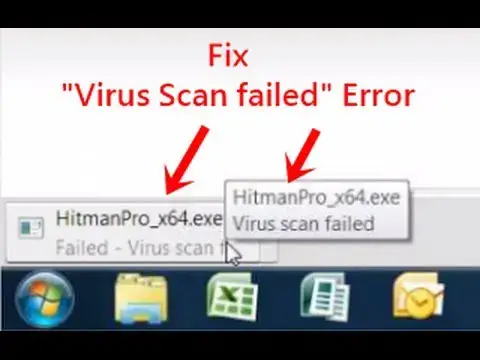

Failed - Virus scan failed, Fix Google Chrome Download Error
Mar 24, 2024
How to fix Failed - Virus scan failed, Google Chrome Download Error, Easy way to fix when chrome become unable to perform virus scan for downloaded program, this will also fix "[Setup / Program] contain a virus and was deleted" error from Internet explorer.
One of my youtube fan was facing this error so i fixed it on his computer remotely.
Steps-
Step 1. Press Windows button + R key at the same time.
Step 2. Type "regedit" and hit ok. Now you will get registry editor window.
Step 3. Navigate to-
HKEY_LOCAL_MACHINE\SOFTWARE\Microsoft\Windows\CurrentVersion\Policies\Attachments
by expanding the folder tree.
Step 4. Now double click on "ScanWithAntivirus" registry key and change its value to "1" which is by default "3".
Done !!
Once you are done, revert the changes, scan your computer with an Antivirus.
Read/Download Registry Patch - https://www.itechfever.com/fix-google-chrome-virus-scan-failed-error/
Follow on Facebook - http://facebook.com/itechfever
Show More Show Less