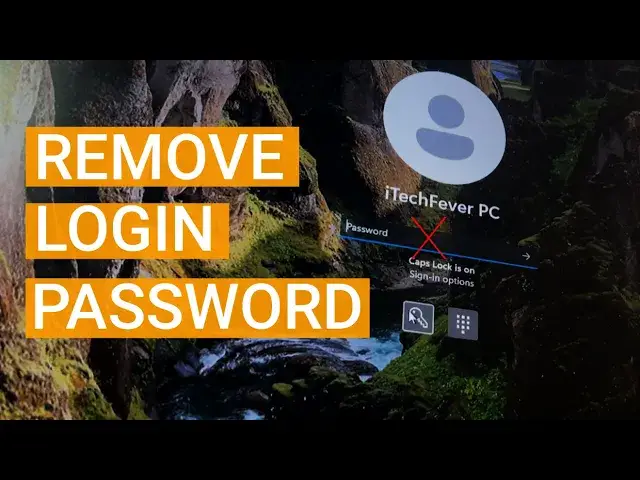

Windows 11: Remove User login password & PIN to Boot Directly to Desktop
Mar 24, 2024
Do you want to remove login password from Windows 11 to boot directly to the desktop? You can disable Windows login password, Hello PIN, Microsoft account password, and other authentication methods to start Windows 11 without a password.
Steps to remove password -
1. Check the current authentication method.
2. Open the user account option.
3. Uncheck the option reading "User must enter username and password to use this computer".
4. Switch to user account.
5. Keep the password option blank.
Remove user account password using cmd -
1. Open cmd as admin.
2. Type "net user" to get the list of user accounts.
3. Type "net user username *"
4. Leave the password option blank and press enter twice.
This will disable the passwords on your Windows 11/10. Anytime you want to get the password you can easily set it from the settings.
Must Watch -
Block all Ads - https://youtu.be/16p9BuMcsvc
Lock Folder in Windows 11 - https://youtu.be/MuB5keJcw_M
Link Android to Windows 11/10 - https://youtu.be/V4JkTLjdX70
#windows11
Disclaimer:- It is advised to create a system restore point or take a complete backup of your device before you follow any tutorials. All tutorials are verified ways to fix, customize, or fine-tune your devices; just in case, take a full backup. This video does not take any expressed or implied guarantee of any particular result.
Some links might be affiliate links, and I may earn some commissions on your purchase without any extra cost to you.
Any data, IP, emails, and files shown in videos are for demonstration purposes only and do not belong to any third person or entity.
Follow on Social Media
Facebook - https://fb.com/iTechFever
Twitter - https://twitter.com/itechfever
Instagram - https://instagram.com/itechfever
My IG - https://instagram.com/sparnidya
Visit - https://www.itechfever.com
Show More Show Less