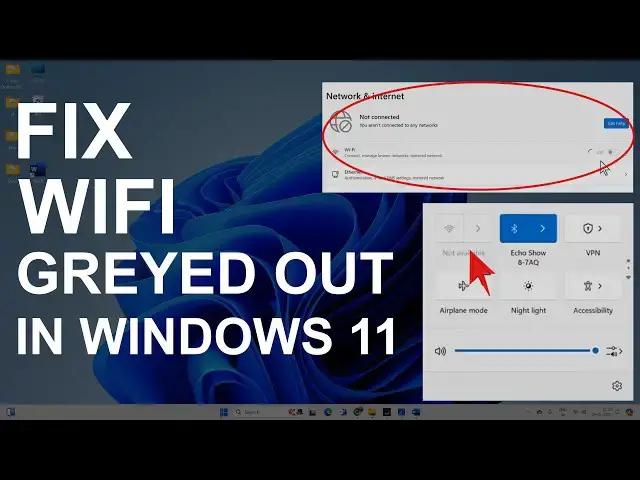

Fix Can't Turn ON WiFi on Windows 11 | WiFi Greyed Out
Mar 5, 2025
Sometimes, you face an issue with WiFi where you can't turn on the WiFi on Windows 11, and it is greyed out. This might happen due to different network issues, such as:
WiFi adapter is disabled
Network card problems
Network socket API errors
Build up DNS cache
WLAN service is turned off
Power surge
WiFi driver failure or other issues.
This video will walk you through the process of rectifying the above issues.
Follow these steps:
00:00 WiFi is disabled
00:24 Disable/Enable WiFi Adapter
01:03 Check WLAN Service
01:44 Enable/Disable Driver from Device Manager
02:17 Uninstall WiFi Driver
02:38 Delete Driver
02:57 Network Reset
03:25 Fix Socket Errors
04:00 Install Latest WLAN driver
04:13 Power Flush
04:28 Outro
Install Latest Driver: https://youtu.be/IW6Acf-RHRY?t=554
Power Flush: https://youtu.be/IW6Acf-RHRY?t=643
Follow the above steps, which should help you fix the WiFi greyed out on Windows 11 problem.
#Windows11 #wifinotshowing #wifi #techtips #errorfix
Don't miss these videos -
Clean C drive to unlock more speed: https://youtu.be/X2-KNOkcF_c
Make Windows 11 200% Faster: https://youtu.be/8am0IB13Udg
Make Windows 11 Start Menu Look Great: https://youtu.be/KIgc_ZiYffI
Password Protect Folders in Windows 11/10: https://youtu.be/MuB5keJcw_M
Boost CPU Speed: https://youtu.be/ea89hdRpsKs
Make WiFi Run Much Faster: https://youtu.be/eHcZ_kzhgMw
Stay Private on the Internet: https://youtu.be/TPsQYi8PhJE
Join this channel to get access to perks:
https://www.youtube.com/channel/UCMdElTwiU4JrDUkuI_eqPJg/join
Disclaimer:- It is advised to create a system restore point or take a complete backup of your device before you follow any tutorials.
Some links might be affiliate links, and I may earn some commissions on your purchase without any extra cost to you.
Any data, IP, emails, and files shown in videos are for demonstration purposes only and do not belong to any third person or entity.
Follow on Social Media
Facebook - https://fb.com/iTechFever
Twitter - https://twitter.com/itechfever
Instagram - https://instagram.com/itechfever
My IG - https://instagram.com/sparnidya
Visit - https://www.itechfever.com
Show More Show Less