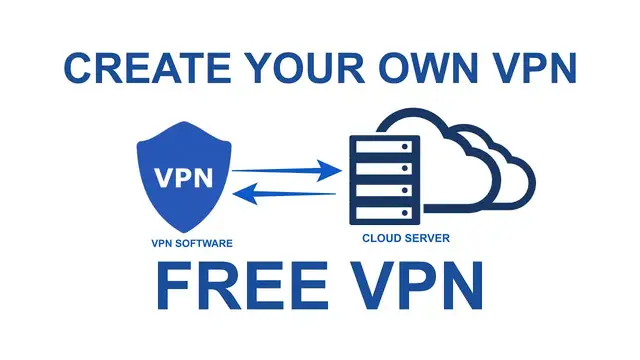

How to Create Your Own VPN Server For Free (& Why you should?)
Mar 29, 2023
Learn to create your own VPN server for free in the cloud, there are different free VPN services available but they are limited by speed and data usage, free VPNs have some more disadvantages. It is better to create a free VPN server and use it for the complete 1 year. Or you can use the VPN after paying for the server fee after 1 year.
To get started your need-
1. Aws Free account.
2. VPN software (Available on AWS marketplace).
Steps -
1. Select the region where you want your VPN server to point.
2. Create an EC2 instance.
3. Select OpenVPN in was the marketplace.
4. Create a free instance.
5. Create a key pair.
6. Launch the instances.
7. Connect to the server using terminal or Powershell.
8. Configure the server after login.
9. Download the OpenVPN connect app
Done!
This way you can enjoy a free & secure VPN with high speed & no data limit on 2 devices.
Disclaimer:- The IP belongs to my AWS server and the location info shown in the video is not real. The info is now erased.
#FreeVPN #CreateVPNserver #SecureVPN
Follow on Social Media
Facebook - https://fb.com/iTechFever
Twitter - https://twitter.com/itechfever
Instagram - https://instagram.com/itechfever
Visit - https://www.itechfever.com
Show More Show Less #Networking
#VPN & Remote Access
#Hobbies & Leisure
#Internet & Telecom